Sample Page

This is an example page. It’s different from a blog post because it will stay in one place and will show up in your site navigation (in most themes). Most people start with an About page that introduces them to potential site visitors. It might say something like this:

Hi there! I’m a bike messenger by day, aspiring actor by night, and this is my website. I live in Los Angeles, have a great dog named Jack, and I like piña coladas. (And gettin’ caught in the rain.)

…or something like this:

The XYZ Doohickey Company was founded in 1971, and has been providing quality doohickeys to the public ever since. Located in Gotham City, XYZ employs over 2,000 people and does all kinds of awesome things for the Gotham community.

TimePilot Extreme Blue

From: $29.00 / month
You save

×
Total:

Extreme Blue Startup Kit

(We recommend purchasing at least one Startup Kit)

Includes

  • 1 Extreme Blue Time Clock
  • 1 mounting plate
  • 10 iButtons (enough for 10 employees; more are available at checkout)
  • 1 padlock
  • 1 Management iButton
  • 1 USB drive
  • 1 iButton Reader (used for setting up employees on the system)
  • 4 AA batteries

🧮 Enhanced Bundle Total Calculator

Loading enhanced bundle total calculation...
Bundle Total: $0.00
One-time: $0.00 | Recurring: $0.00/period
Required: 0 | Optional: 0

Extreme Blue Clock

Includes

  • 1 Extreme Blue Time Clock
  • 1 Mounting plate
  • 1 Padlock
  • 4 AA batteries

Additional iButtons

TimePilot 5 Cloud Edition (Recommended)

TimePilot 5 Cloud Edition is a powerful, flexible solution for managing employee time tracking, especially for businesses with multiple locations or remote employees. It combines the robust features of TimePilot Central 5 management software with multiple clock-in/out methods, offering a seamless experience for businesses of all sizes.

TimePilot 5 On-Premise Edition

Category:

Description

Rugged, WeatherProof Time Clocks for outdoor job sites

TimePilot Extreme Blue

From: $29.00 / month
You save

Overview

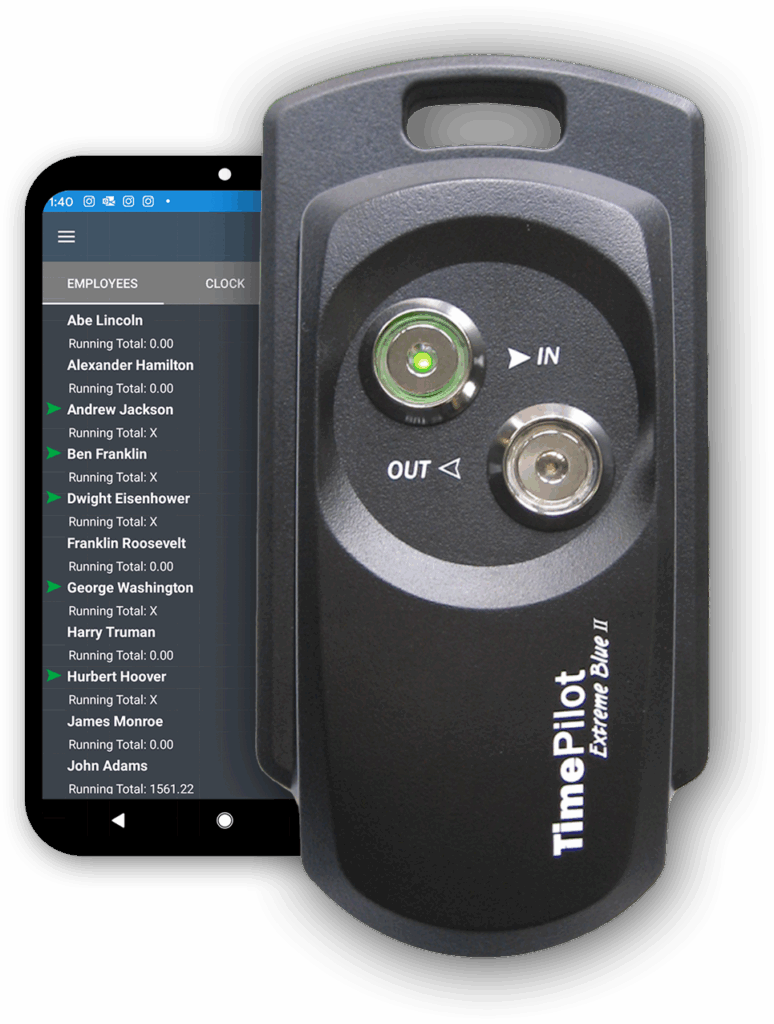
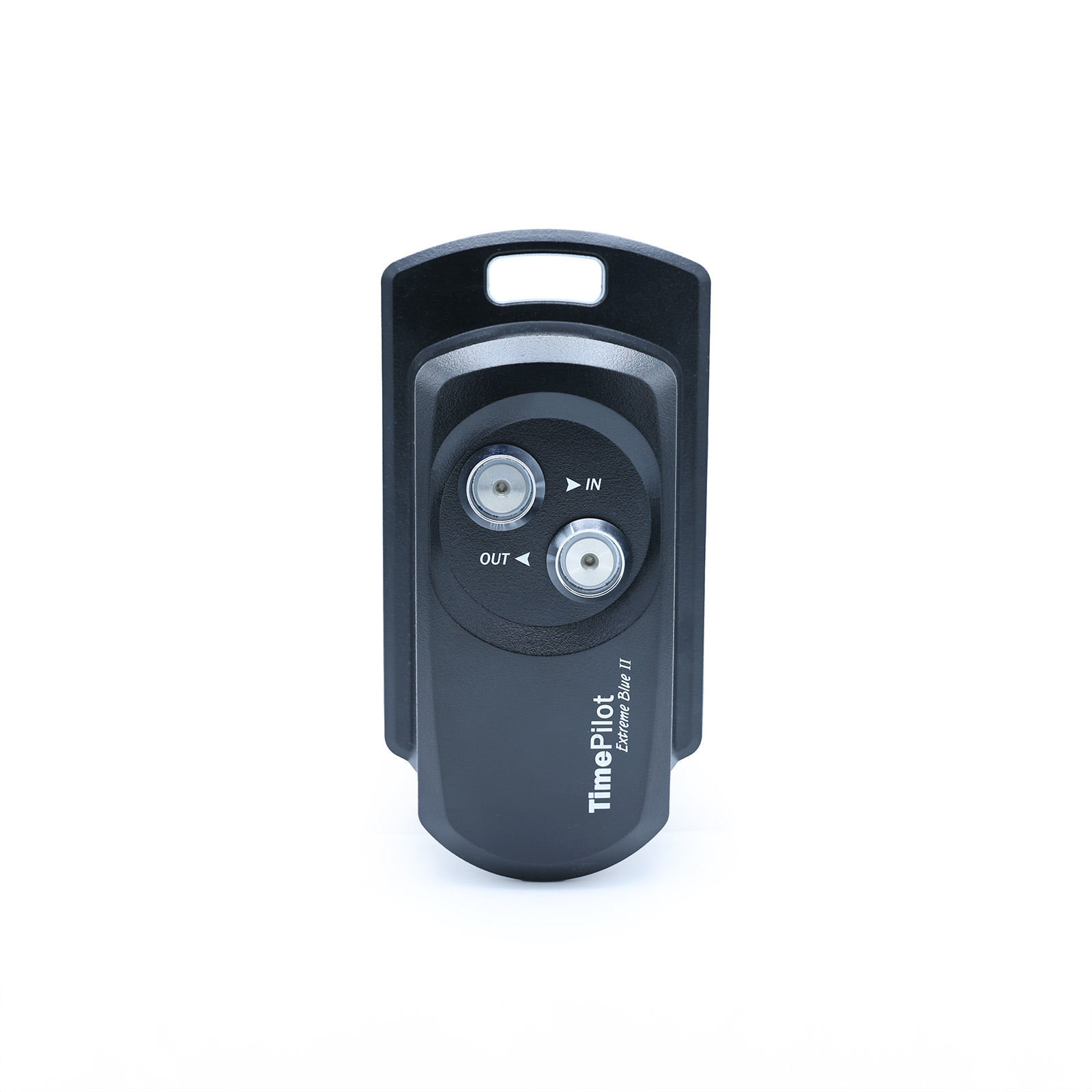
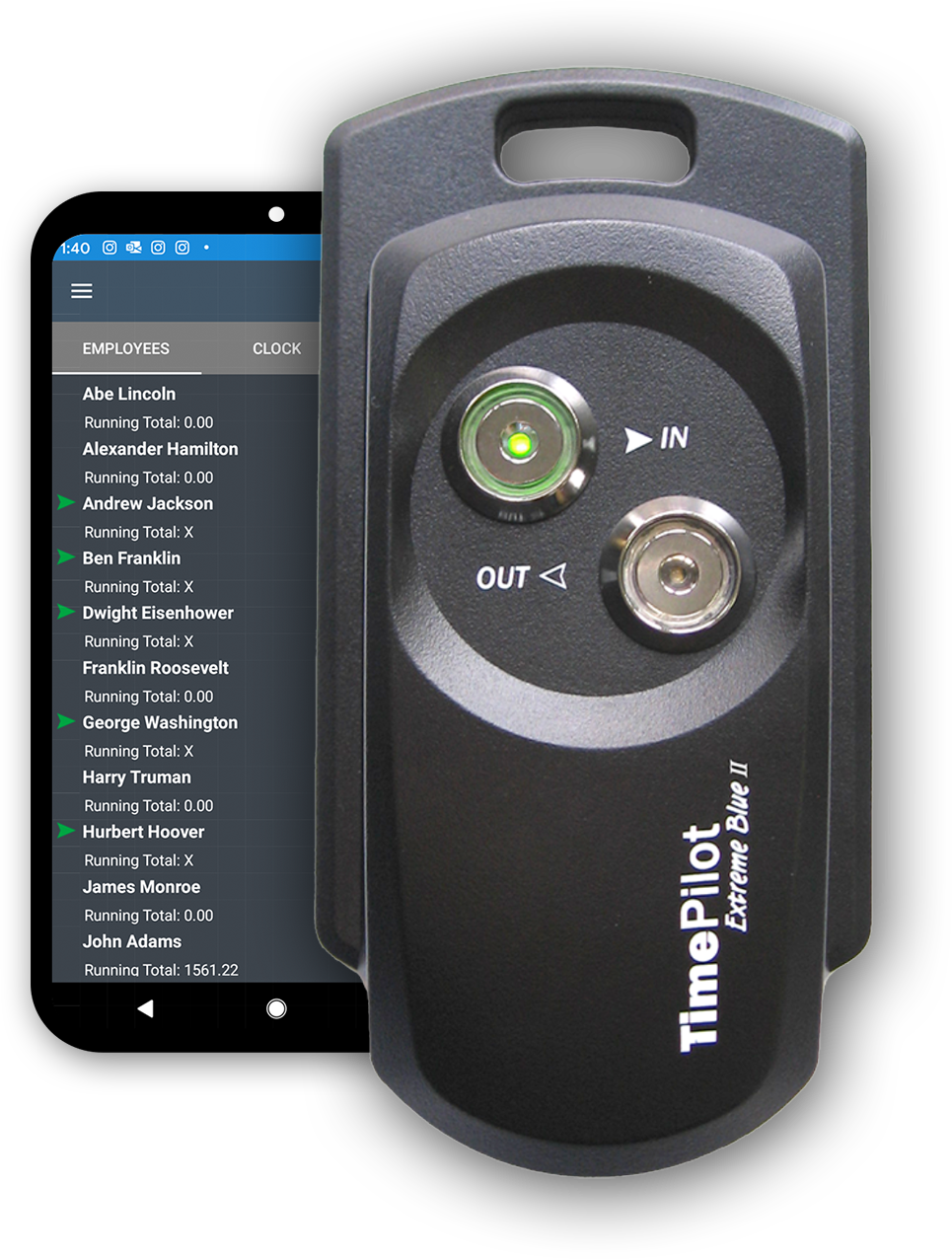
The TimePilot Extreme Blue is a durable, weatherproof time clock built for worksites that are exposed to the elements, such as construction sites, farms and orchards, and non-climate controlled environments.

Employees clock in and out with their individual key-sized iButton. Supervisors download data directly to their smartphones then forward to the cloud or PC database for payroll processing. No cell signal? The data syncs automatically when back in range, with a USB backup option for added flexibility.

TimePilot Extreme Blue makes it easy to have multiple locations, all feeding their data into the TimePilot Central software. You can have dozens or even hundreds of time clocks, all working together.

How it Works

Step 1

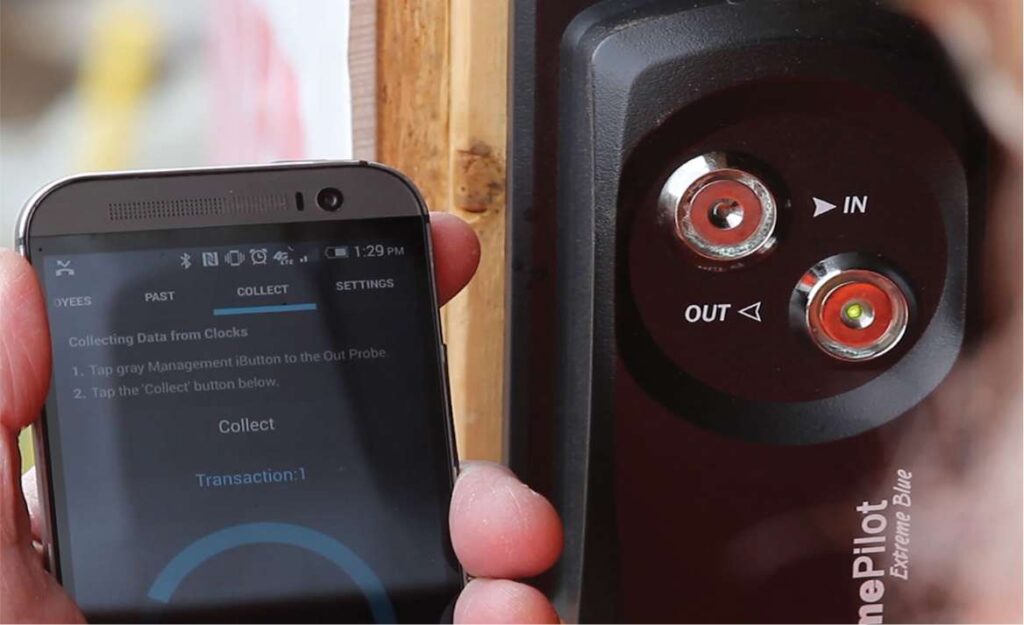
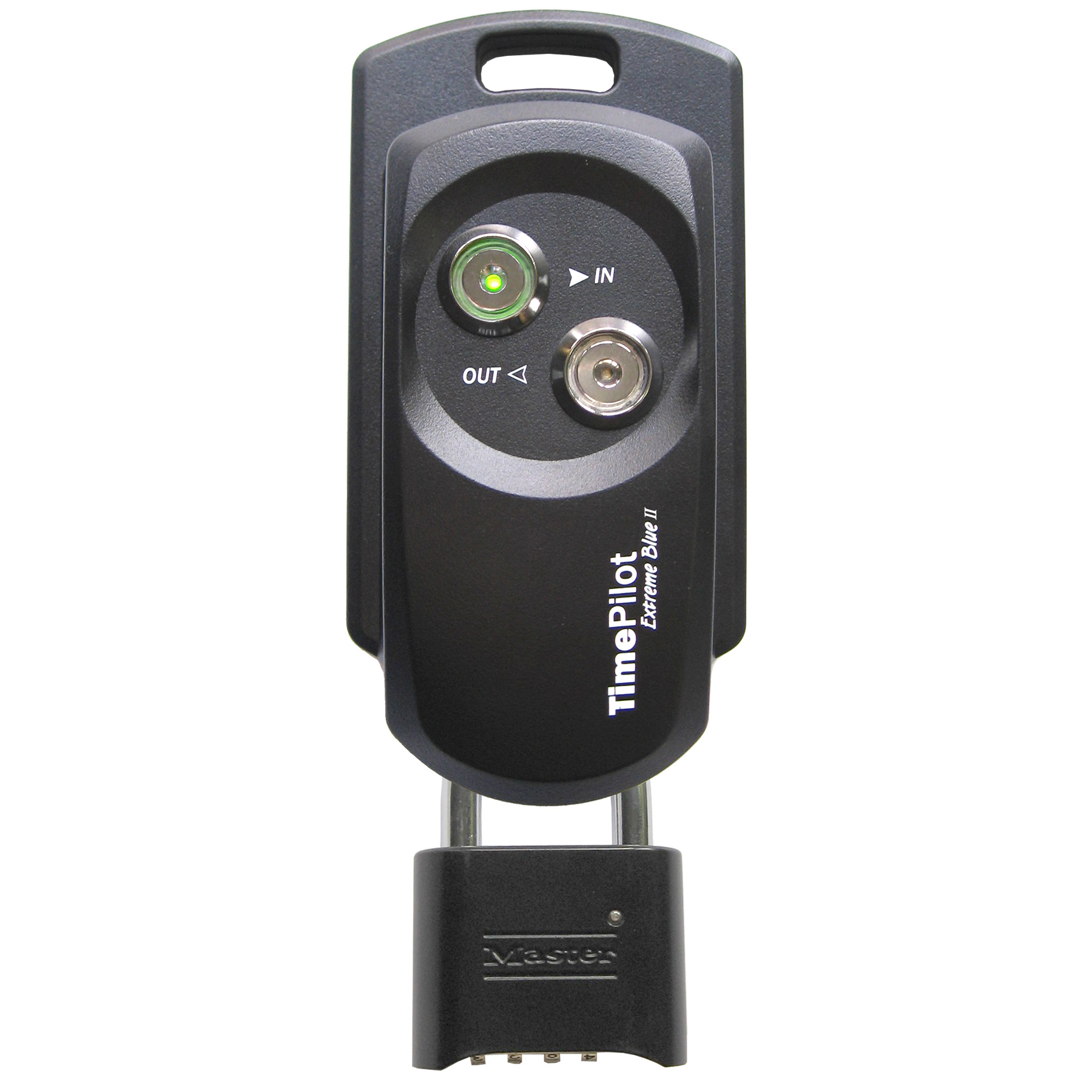
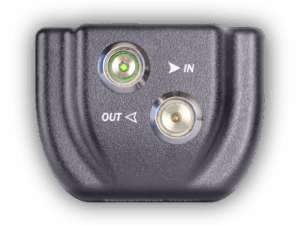
Employees clock in and out by tapping their iButton to the “In” or the “Out” probe on the clock. A tone sounds and the probe lights up to confirm a successful transaction.

Step 2

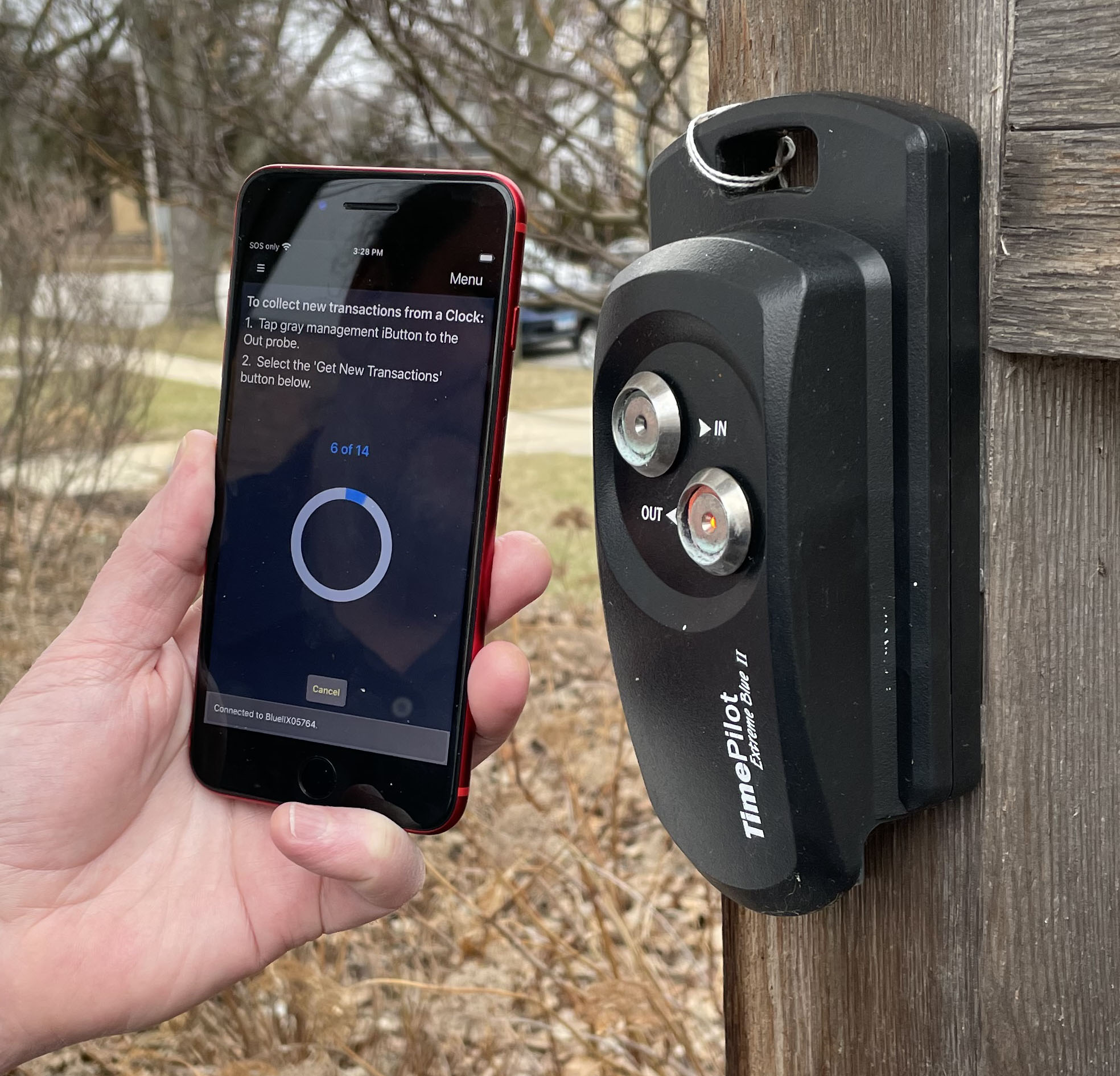
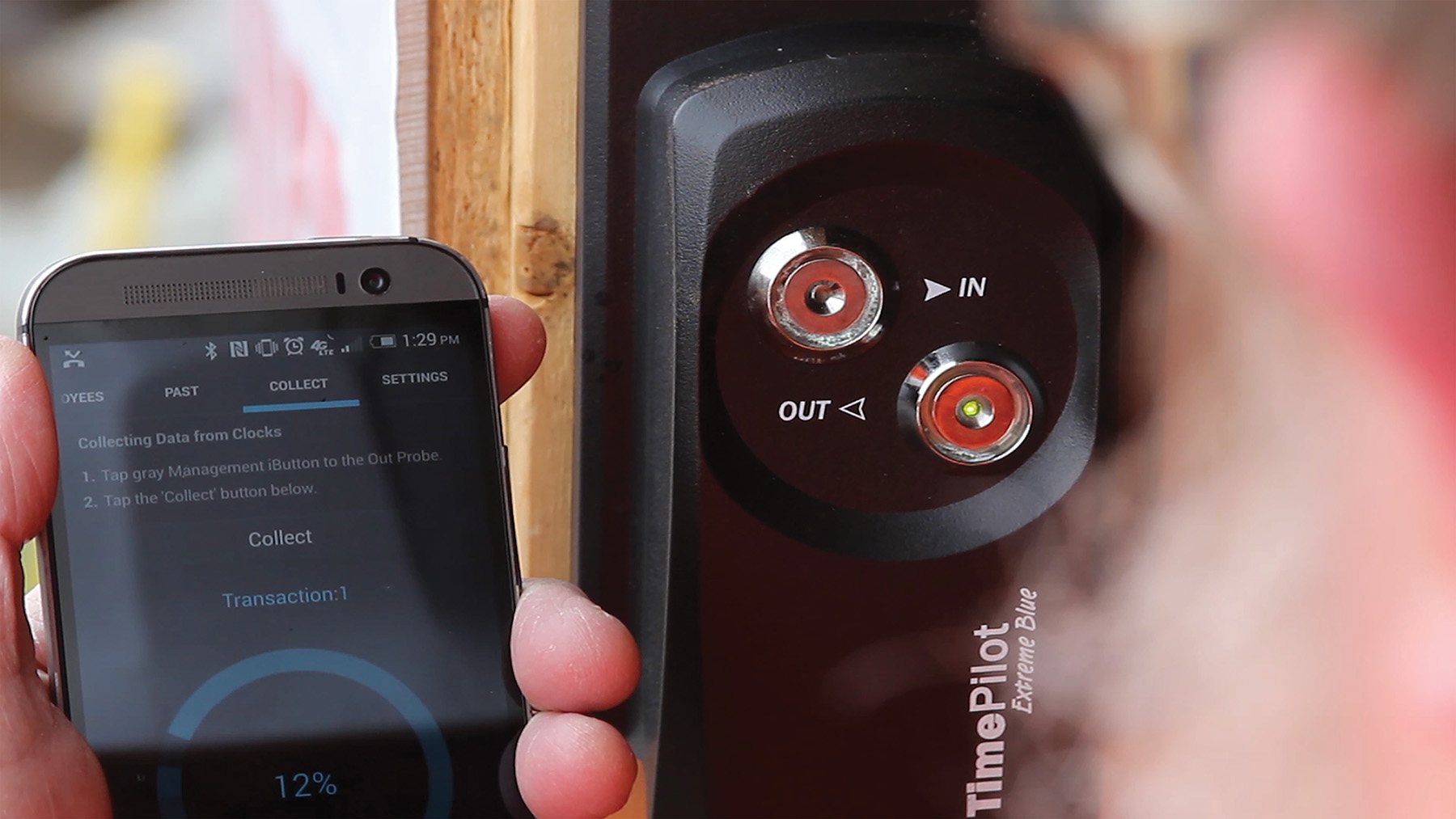
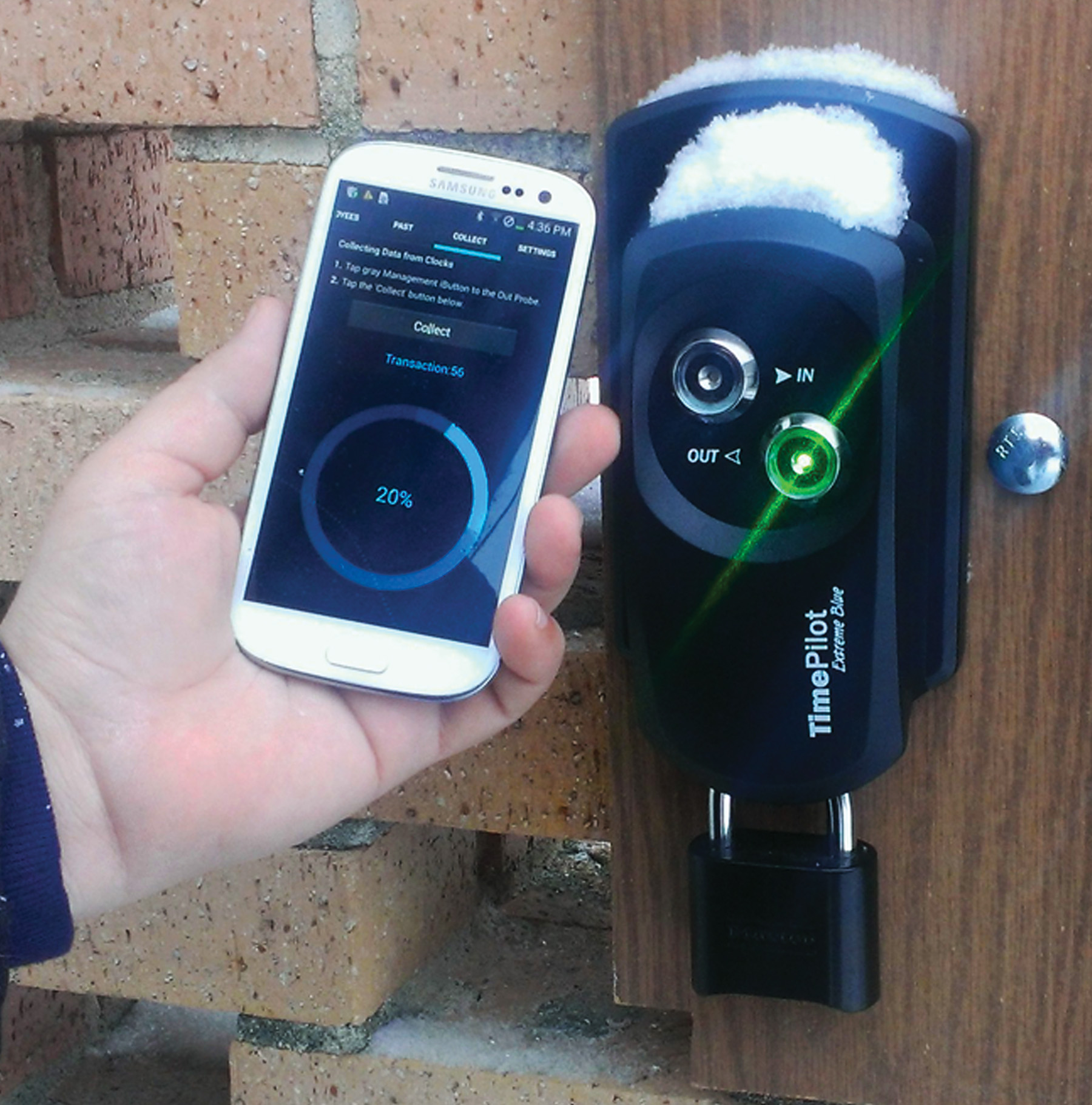
When it’s time to download the data from the clock, the supervisor taps a special Management iButton to the clock, then taps an icon on their smartphone to download the data.

The data is instantly transferred from the clock to the phone. The clock also keeps the last 12,000 transactions in its memory, so if you lose your phone, you can download the data again.

Step 3

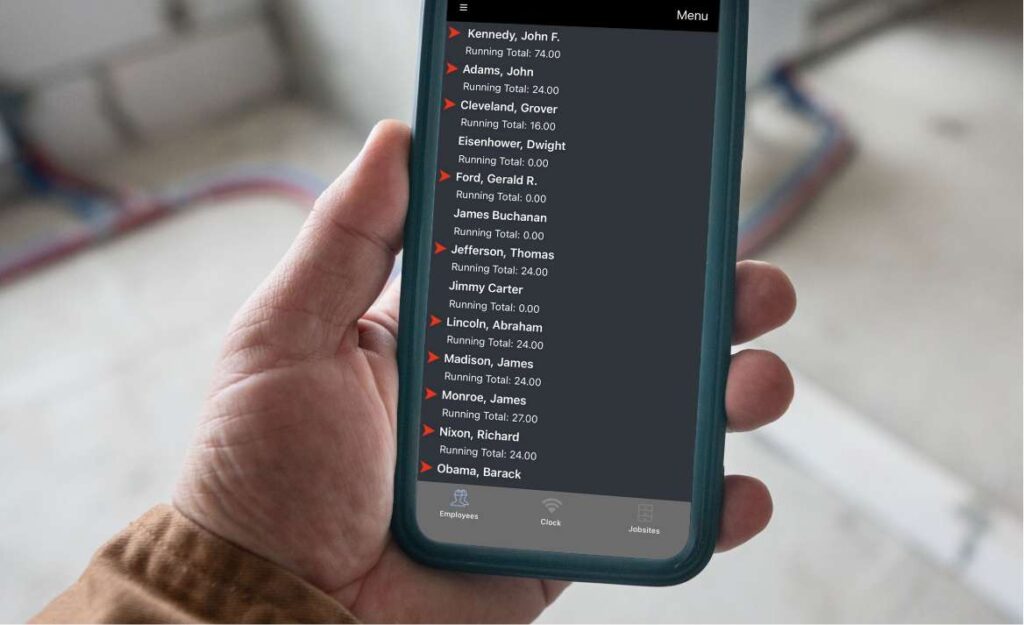
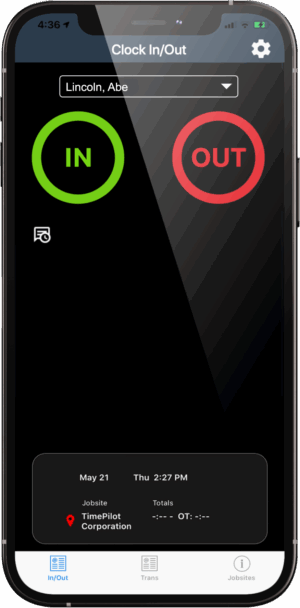
On the phone, you’ll see a list of your employees and their total hours for the pay period. A red arrow indicates the employee was clocked in when you downloaded the data from the clock.

Cloud Edition users: The data is immediately sent to your database in the cloud.

On-Premise Edition users: The data is sent to your database once you tap “Menu” and then “Send” to transmit the data.

Step 4

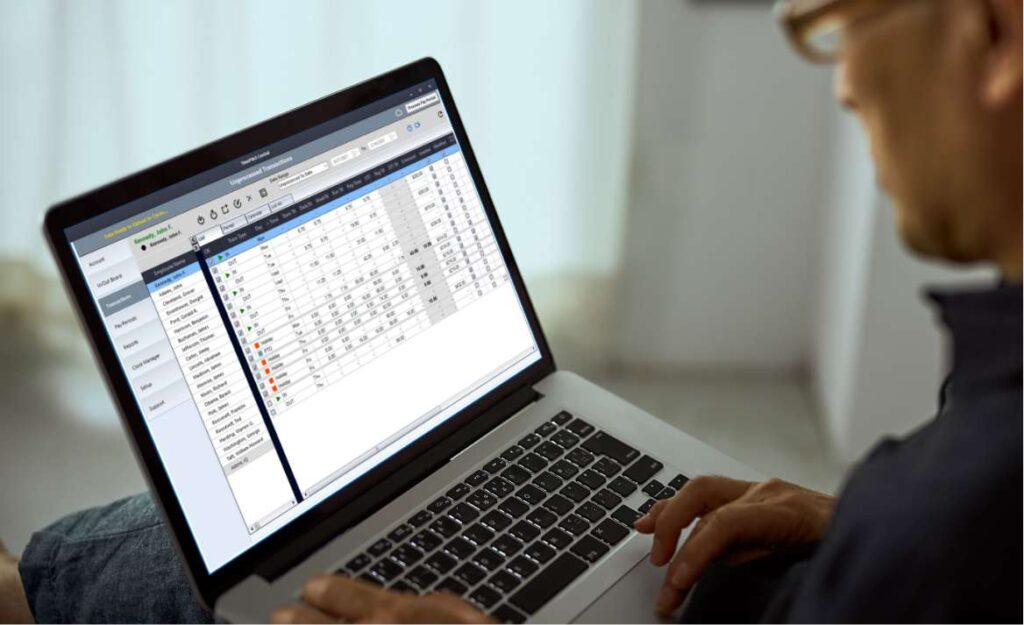
Once all the data has been downloaded, the TimePilot Central 5 software can be used to create reports and prepare the data for payroll software like QuickBooks and payroll services like ADP.

Software Applications

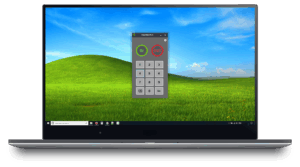
TimePilot Extreme Blue works with TimePilot 5 Cloud Edition or On-Premise Edition software.

Cloud Edition On-Premise Edition
Database location Cloud Customer's PC or server
Automatic database backup? Yes No*
How is database accessed? PC, anywhere there’s an internet connection PC on network only
Number of employees Unlimited Up to 2,000
Range Anywhere in the world All users must be on the same local network
Operating system Windows 10 or later Windows 10 or later
Mobile clock in available? Yes No
Clock in with iButtons? Yes Yes
Includes tech support? Yes, unlimited First 30 days free, then $179/year
Exports to leading payroll software? Yes Yes
*Available at extra cost.

Configure Your Product

Select the kit(s) that fits your businesses needs.

×
Total:

Extreme Blue Startup Kit

(We recommend purchasing at least one Startup Kit)

Includes

  • 1 Extreme Blue Time Clock
  • 1 mounting plate
  • 10 iButtons (enough for 10 employees; more are available at checkout)
  • 1 padlock
  • 1 Management iButton
  • 1 USB drive
  • 1 iButton Reader (used for setting up employees on the system)
  • 4 AA batteries

Extreme Blue Clock

Includes

  • 1 Extreme Blue Time Clock
  • 1 Mounting plate
  • 1 Padlock
  • 4 AA batteries

Additional iButtons

TimePilot 5 Cloud Edition (Recommended)

TimePilot 5 Cloud Edition is a powerful, flexible solution for managing employee time tracking, especially for businesses with multiple locations or remote employees. It combines the robust features of TimePilot Central 5 management software with multiple clock-in/out methods, offering a seamless experience for businesses of all sizes.

TimePilot 5 On-Premise Edition

Specifications

Time Clock Specs
  • Weatherproof, impact-resistant ABS case—the same kind of plastic used in baseball batting helmets.
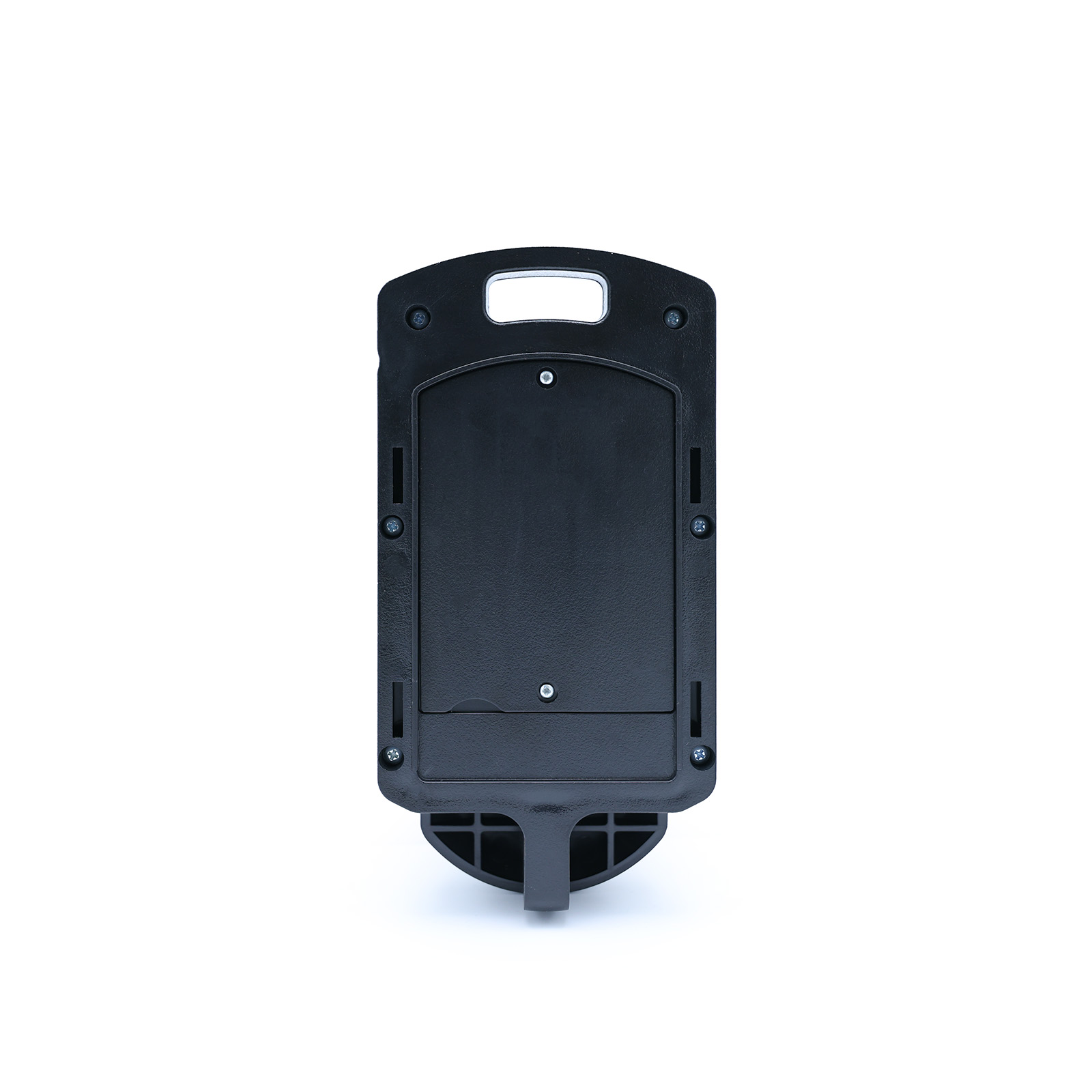
  • Steel mounting plate fixes the time clock to wall; padlock keeps it there.
  • Each clock handles up to 12,000 transactions; multiple clocks can be used in one system.
  • Audible (beep) and visual (light flash) signals when employees clock in and out.
  • W x L x D : 3.75” x 7.25” x 1.75”; weight: 1 lb. 2.5 oz. (without lock)
  • Cellular carrier data plan.
  • 64-bit version of Windows 10 and higher.
  • If you’ll be putting your database on your server, Windows Server 2008 and higher.
  • 8 gigabytes of RAM.
  • 30 gigabytes available on hard disk.
  • 1 available USB port.
  • Internet access to install software.

Additional information

Subscription Billing Options

Annual, Monthly

Employee Count

Up to 5, Up to 10, Up to 20, Up to 30, Up to 50, Up to 100, Up to 150, Up to 200

Extreme Blue Startup Kit

Weight 3 lbs

Extreme Blue Clock

Weight 2 lbs
Dimensions 12 × 13 × 12 cm

Additional iButtons

Weight 1 lbs
Color

, , , , , , , , ,

iButton Packs

Pack of 5, Pack of 10, Pack of 30, Pack of 50, Pack of 100, Pack of 200
Scroll to Top