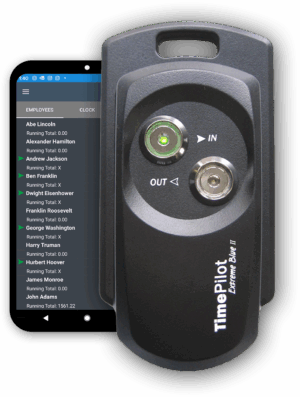
 TimePilot Extreme Blue
From: $29.00 / month
You save Select options
You save Select options


From: $29.00 / month
You save
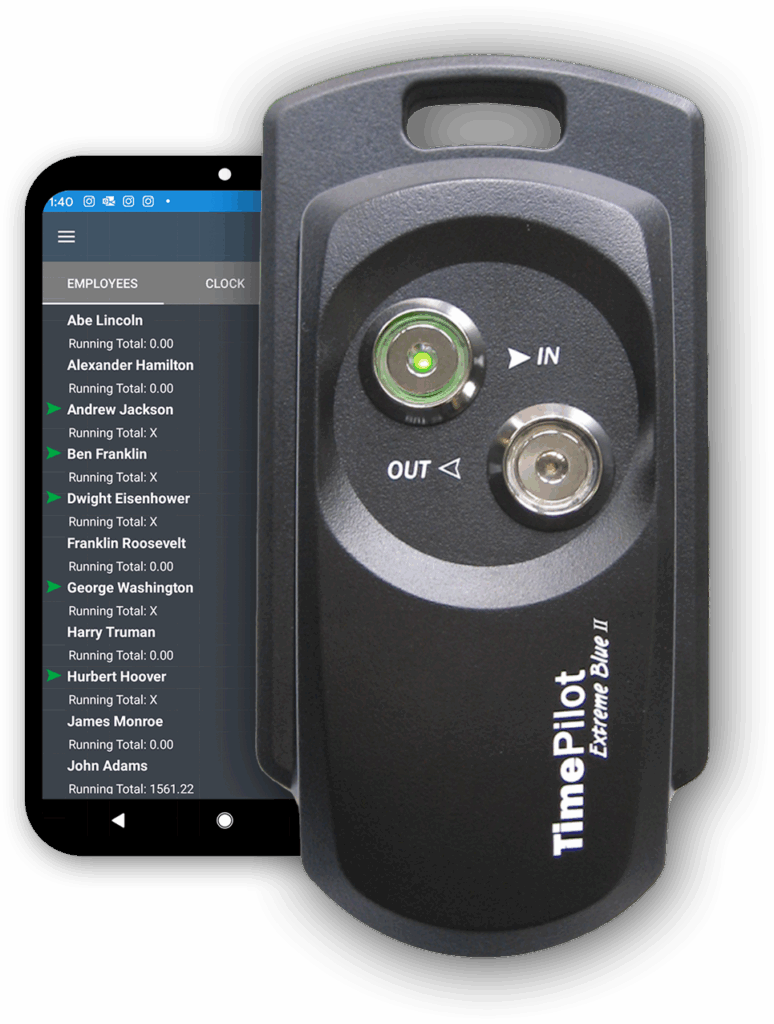
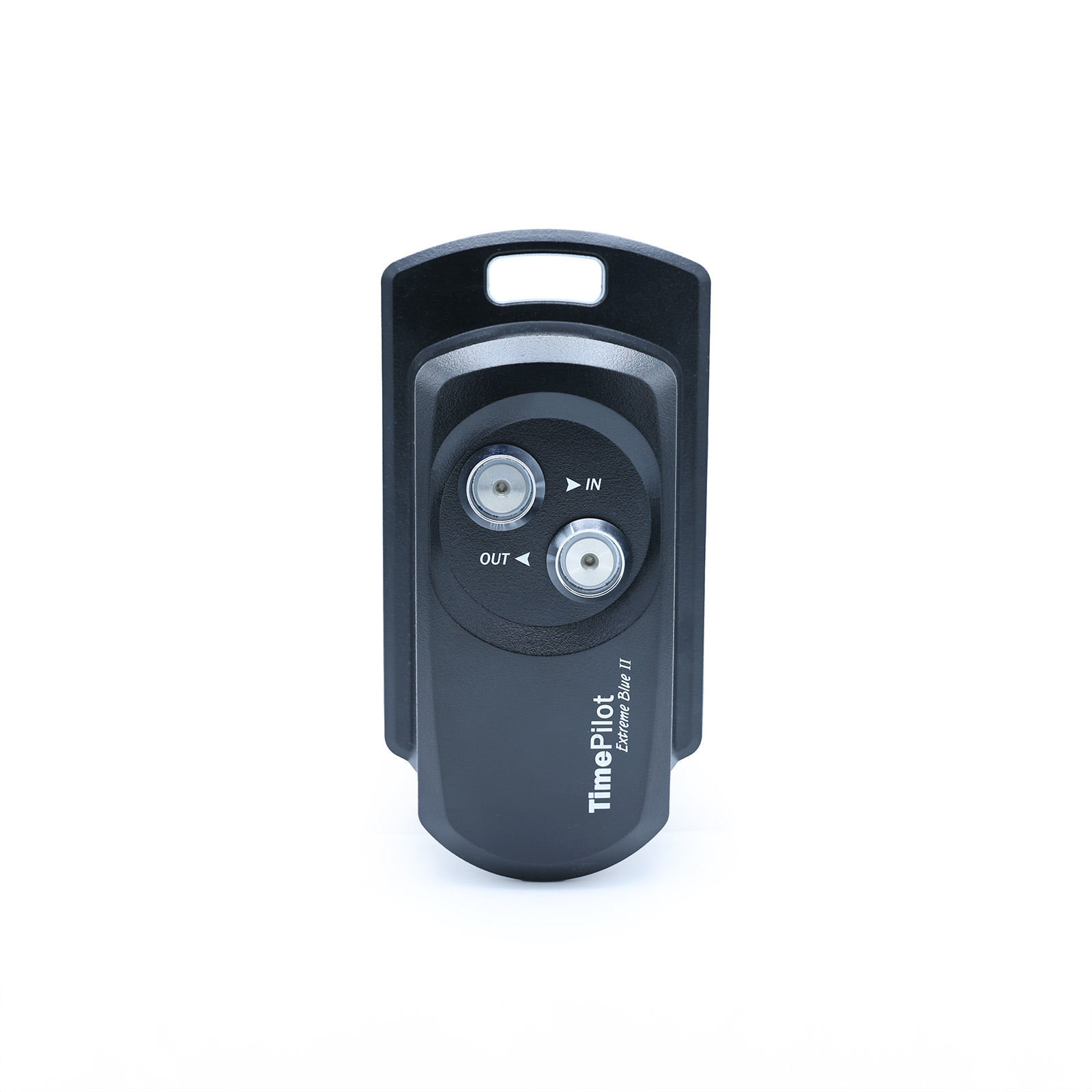
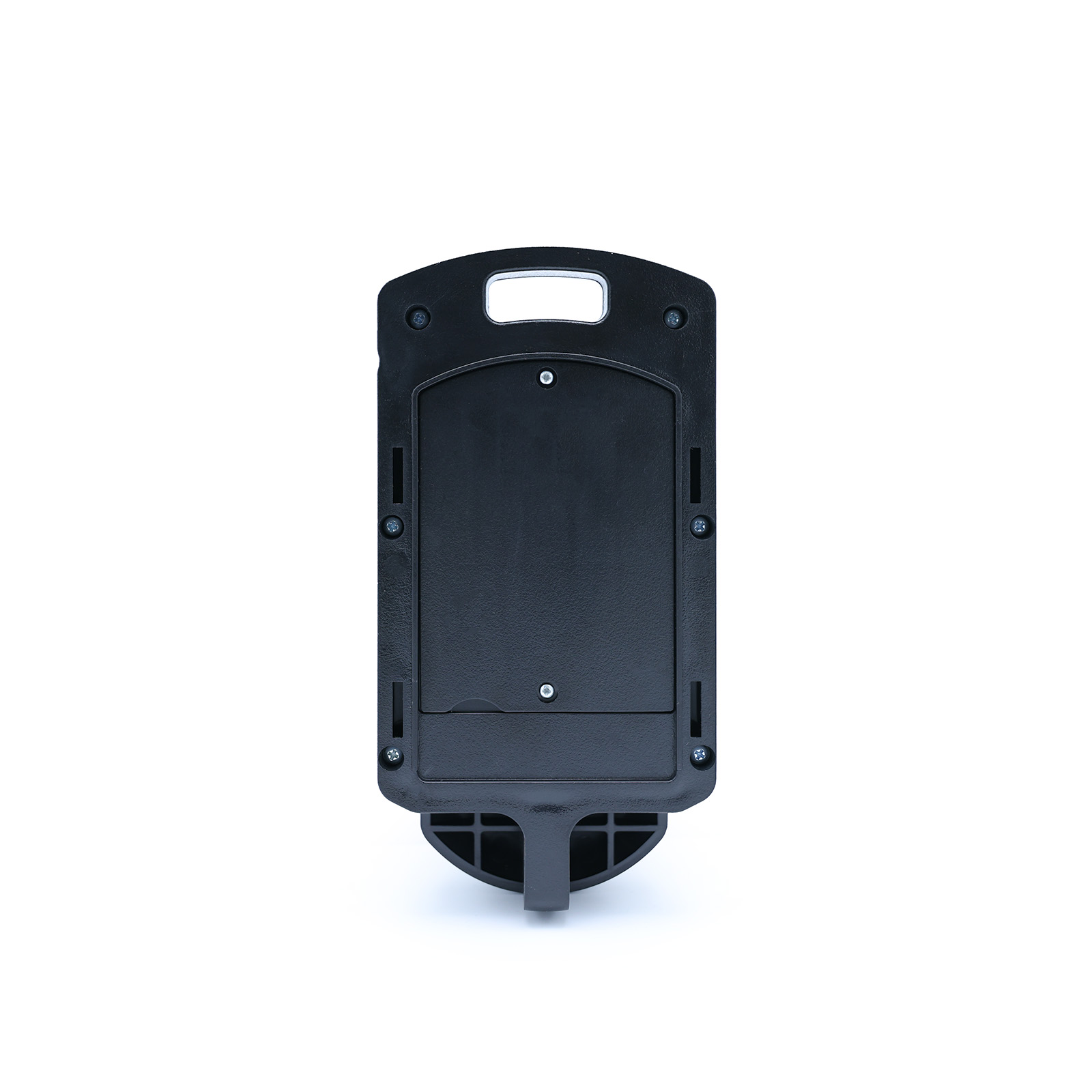
The TimePilot Extreme Blue is a durable, weatherproof time clock built for worksites that are exposed to the elements, such as construction sites, farms and orchards, and non-climate controlled environments.
Employees clock in and out with their individual key-sized iButton. Supervisors download data directly to their smartphones then forward to the cloud or PC database for payroll processing. No cell signal? The data syncs automatically when back in range, with a USB backup option for added flexibility.
TimePilot Extreme Blue makes it easy to have multiple locations, all feeding their data into the TimePilot Central software. You can have dozens or even hundreds of time clocks, all working together.

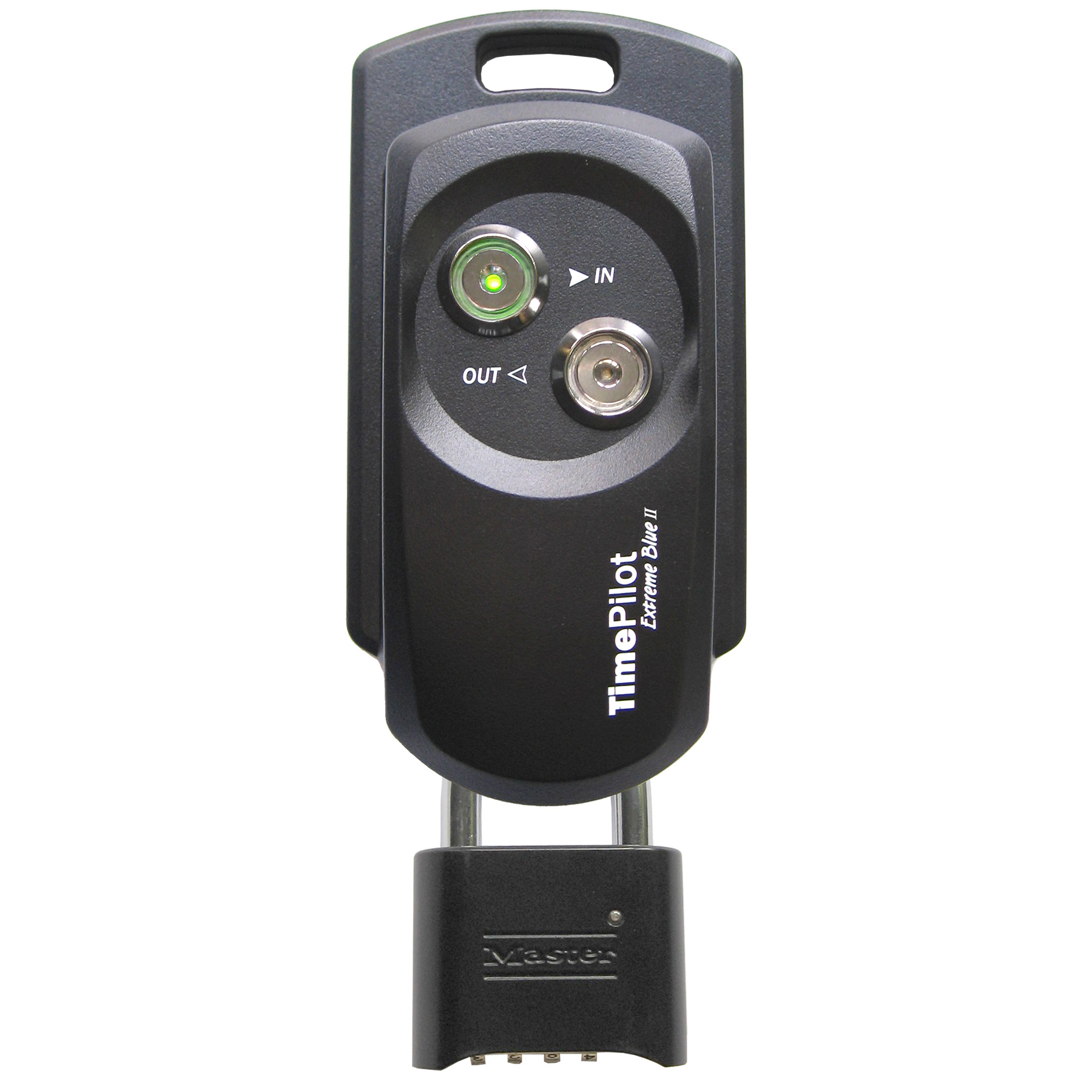
Employees clock in and out by tapping their iButton to the “In” or the “Out” probe on the clock. A tone sounds and the probe lights up to confirm a successful transaction.
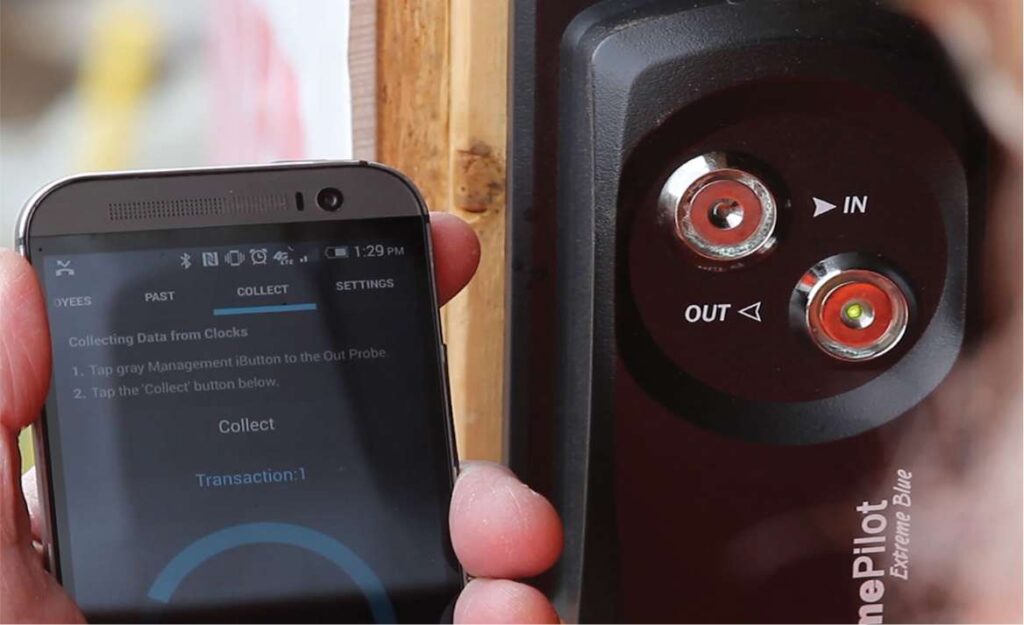
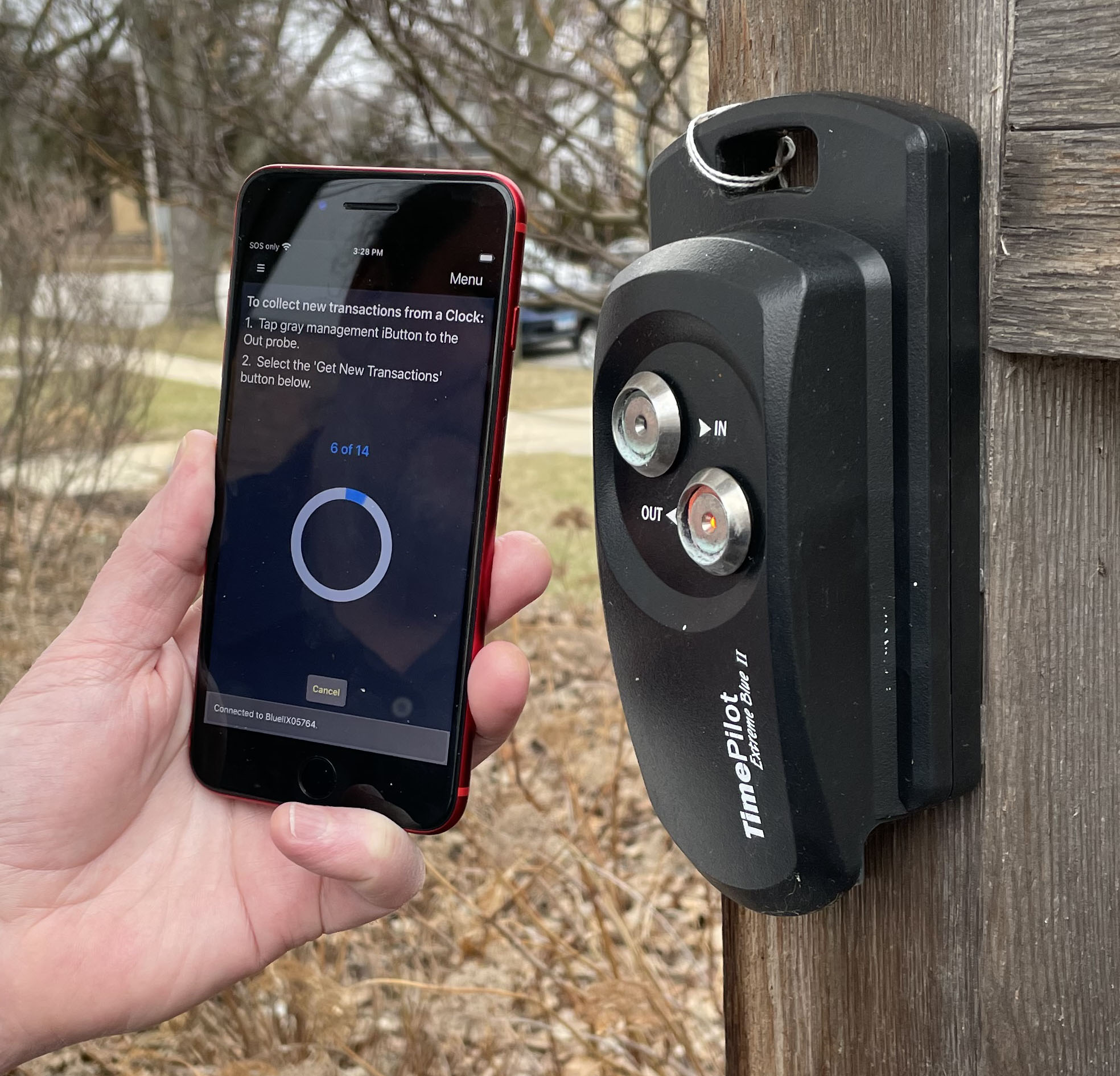
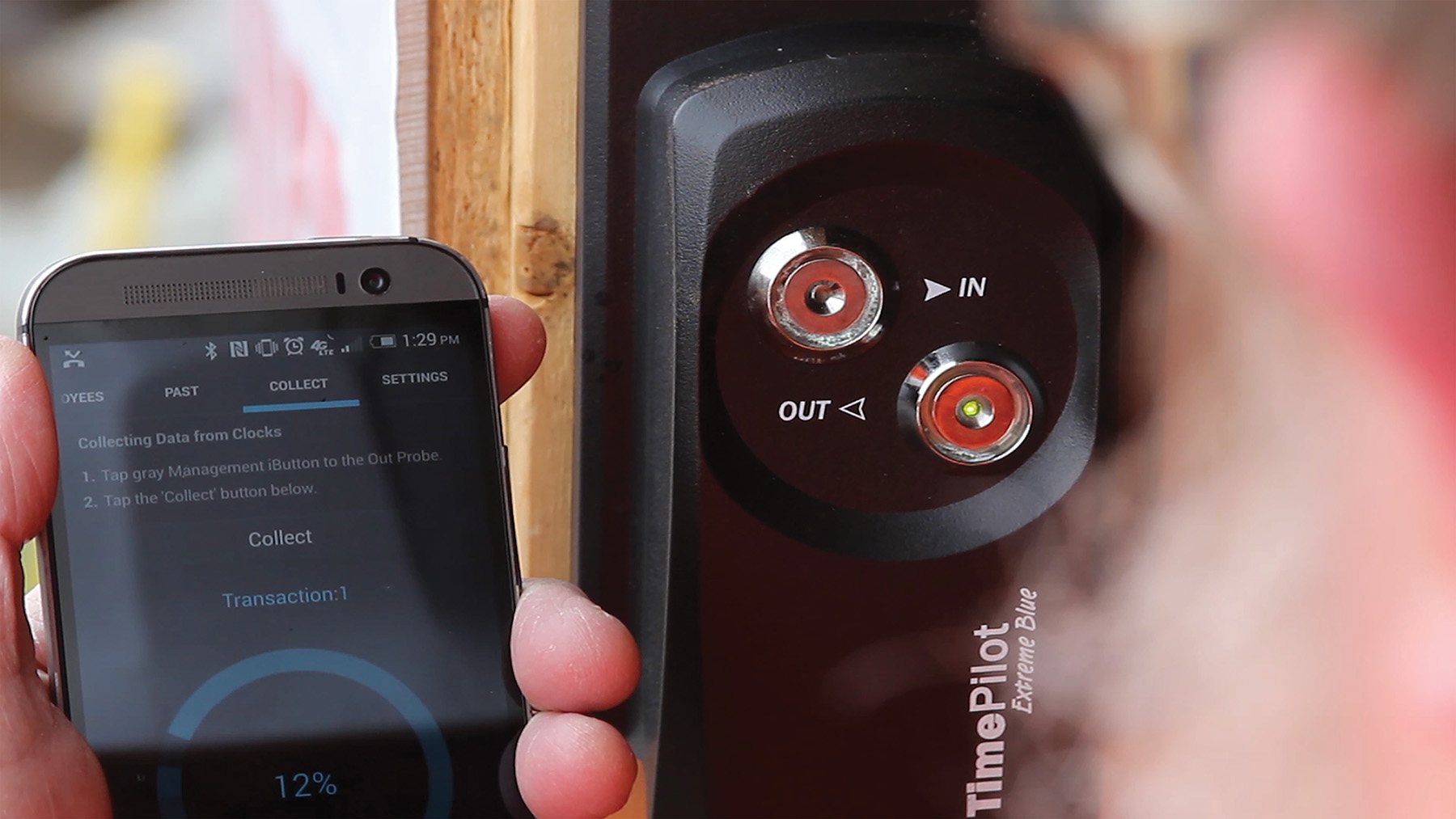
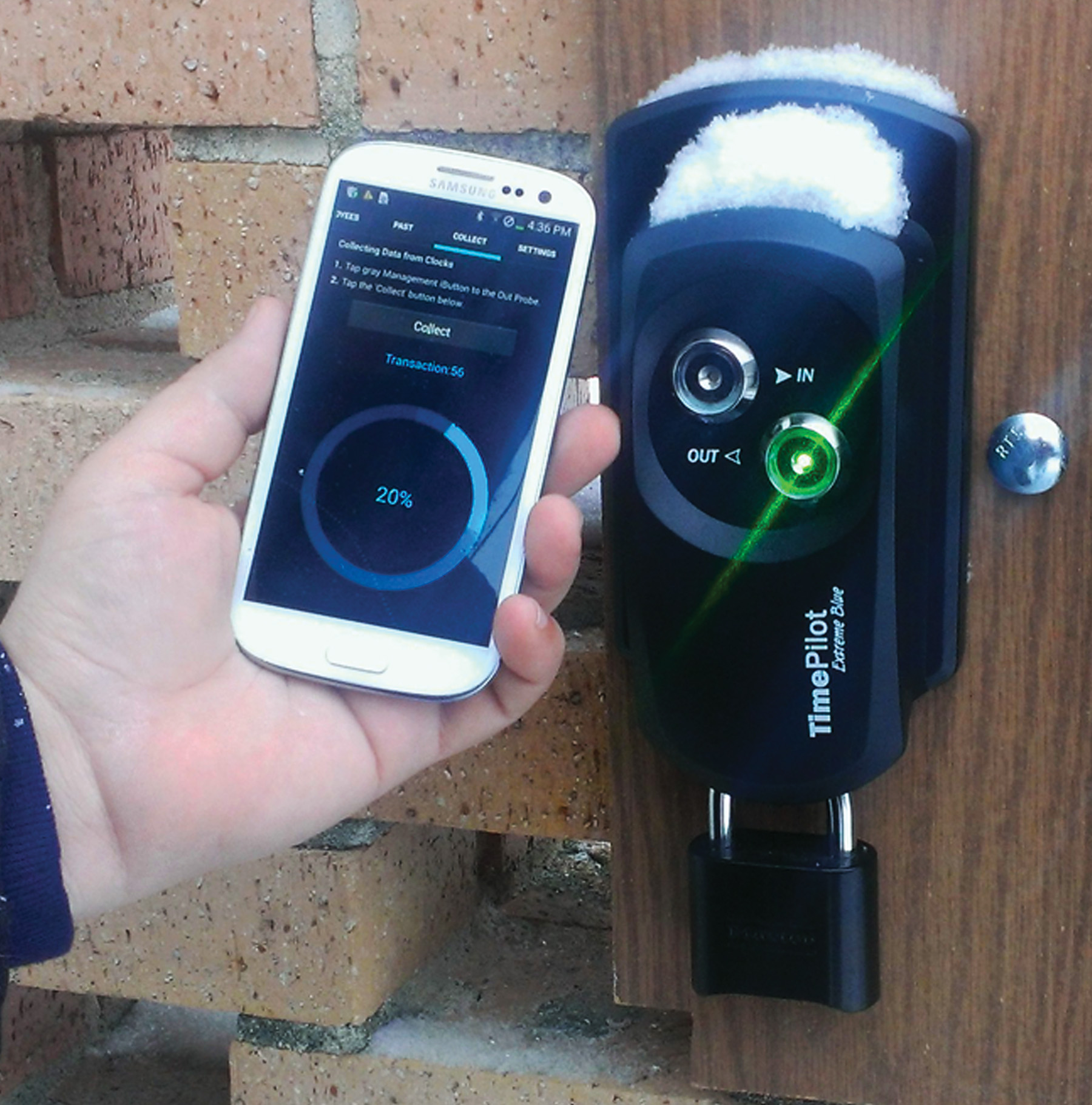
When it’s time to download the data from the clock, the supervisor taps a special Management iButton to the clock, then taps an icon on their smartphone to download the data.
The data is instantly transferred from the clock to the phone. The clock also keeps the last 12,000 transactions in its memory, so if you lose your phone, you can download the data again.
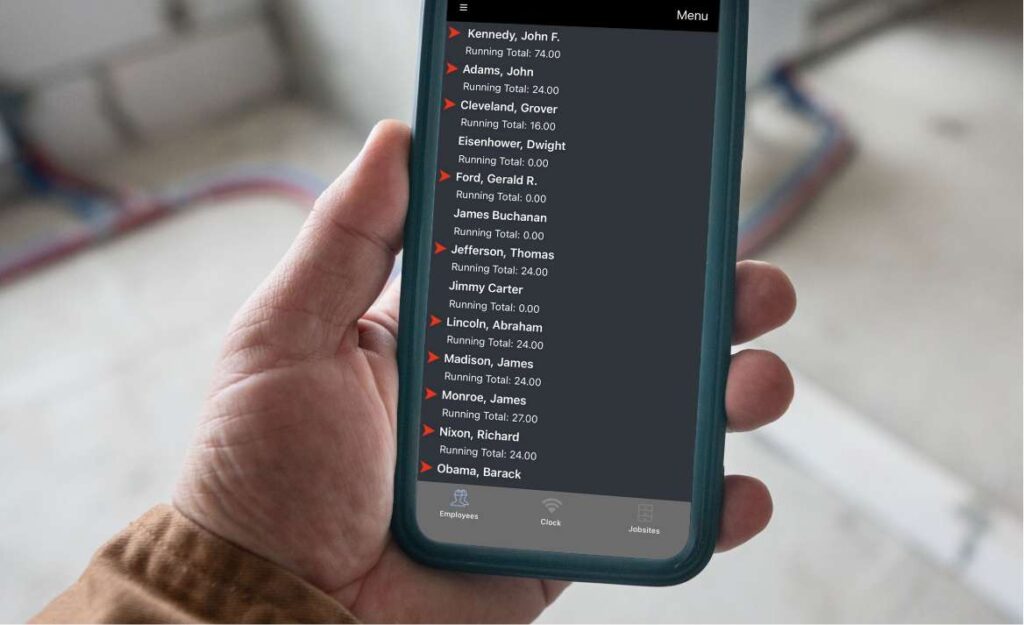
On the phone, you’ll see a list of your employees and their total hours for the pay period. A red arrow indicates the employee was clocked in when you downloaded the data from the clock.
Cloud Edition users: The data is immediately sent to your database in the cloud.
On-Premise Edition users: The data is sent to your database once you tap “Send” to transmit the data.
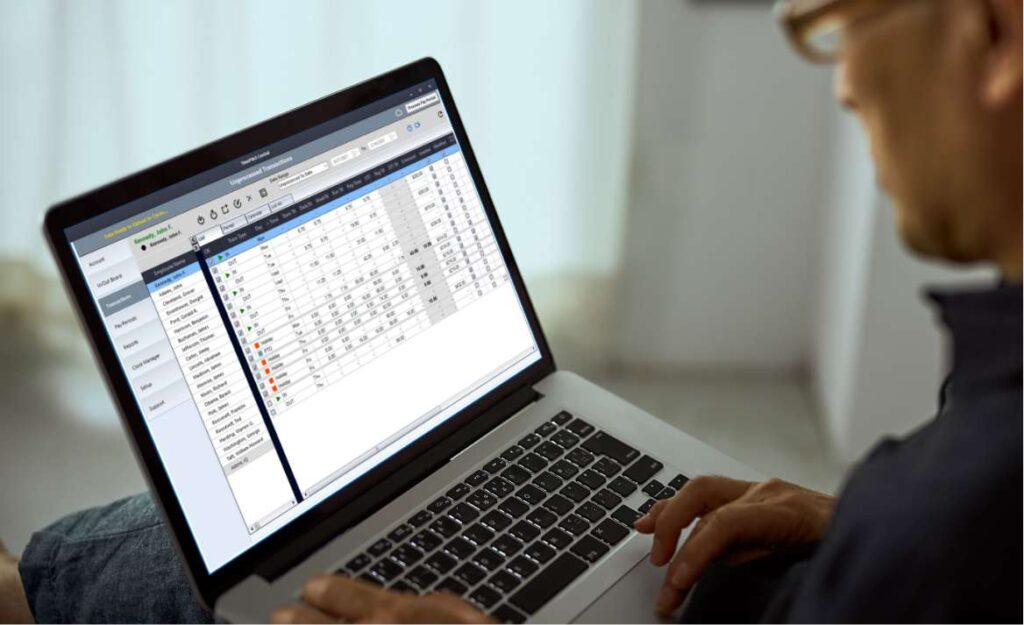
Once all the data has been downloaded, the TimePilot Central 5 software can be used to create reports and prepare the data for payroll software like QuickBooks and payroll services like ADP.
| Cloud Edition | On-Premise Edition | |||
|---|---|---|---|---|
| Database location | Cloud | Customer's PC or server | ||
| Automatic database backup? | Yes | No* | ||
| How is database accessed? | PC, anywhere there’s an internet connection | PC on network only | ||
| Number of employees | Unlimited | Up to 2,000 | ||
| Range | Anywhere in the world | All users must be on the same local network | ||
| Operating system | Windows 10 or later | Windows 10 or later | ||
| Mobile clock in available? | Yes | No | ||
| Clock in with iButtons? | Yes | Yes | ||
| Includes tech support? | Yes, unlimited | First 30 days free, then $179/year | ||
| Exports to leading payroll software? | Yes | Yes | ||
| *Available at extra cost. | ||||


Select the kit(s) that fits your businesses needs.
TimePilot Extreme Blue