 TimePilot Vetro
From: $29.00 / month
You save Select options
You save Select options


From: $29.00 / month
You save
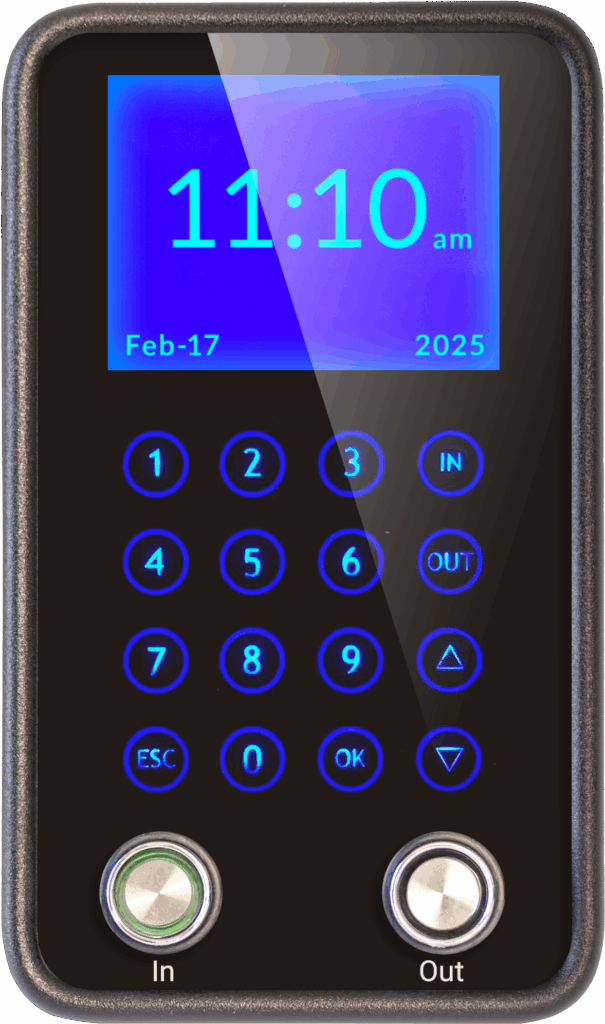
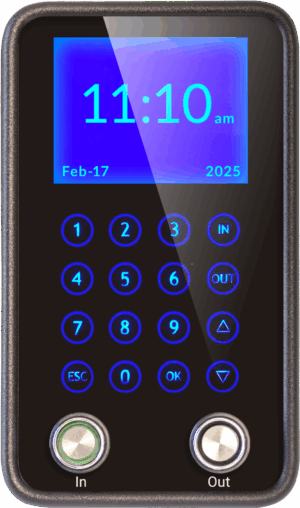
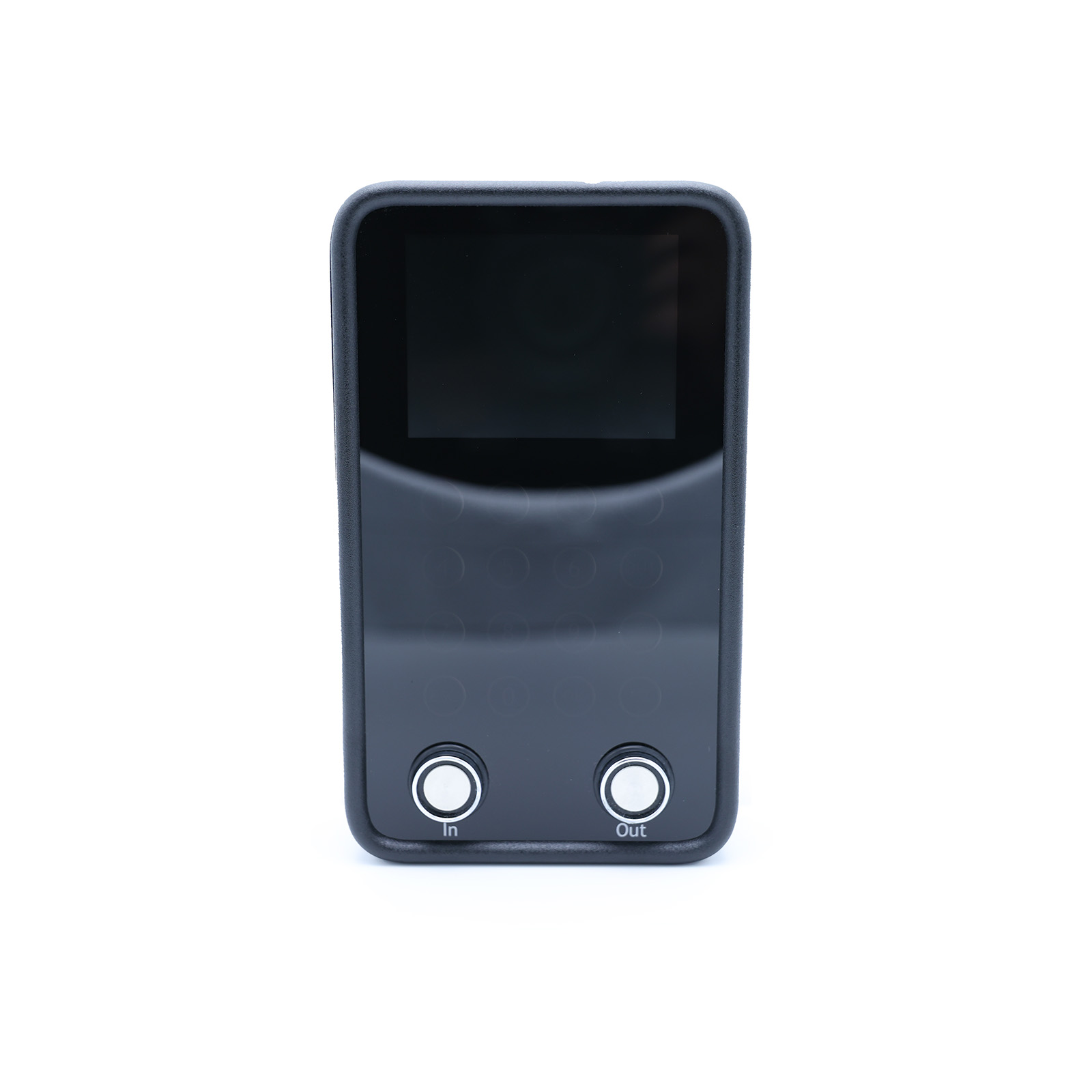
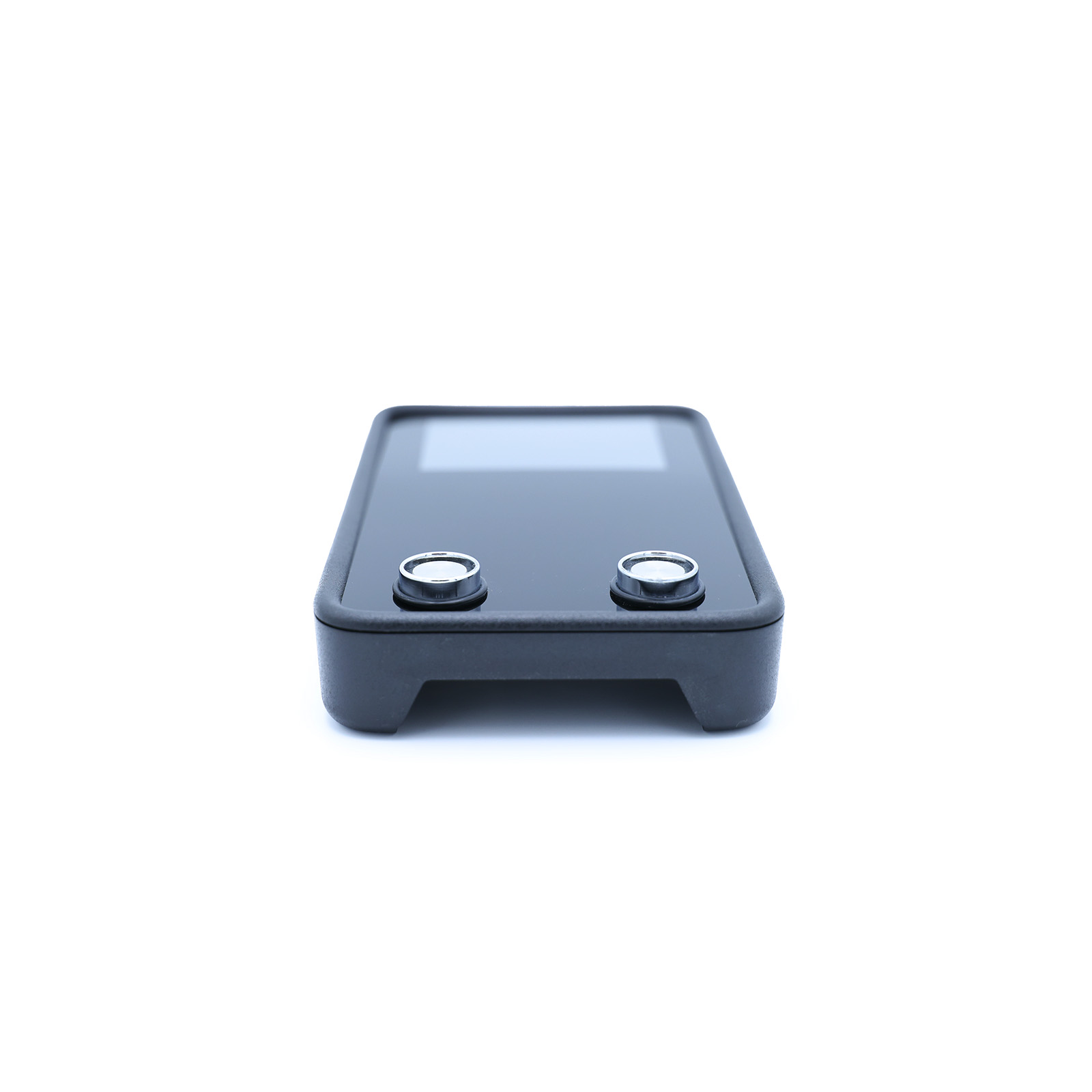
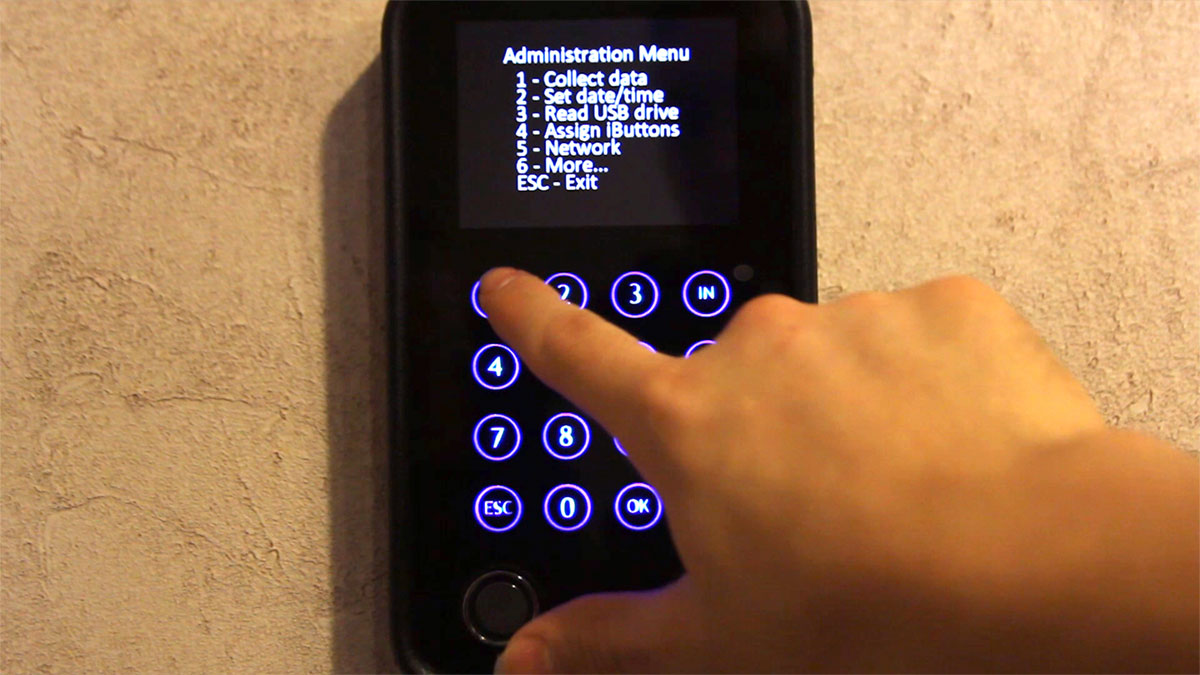
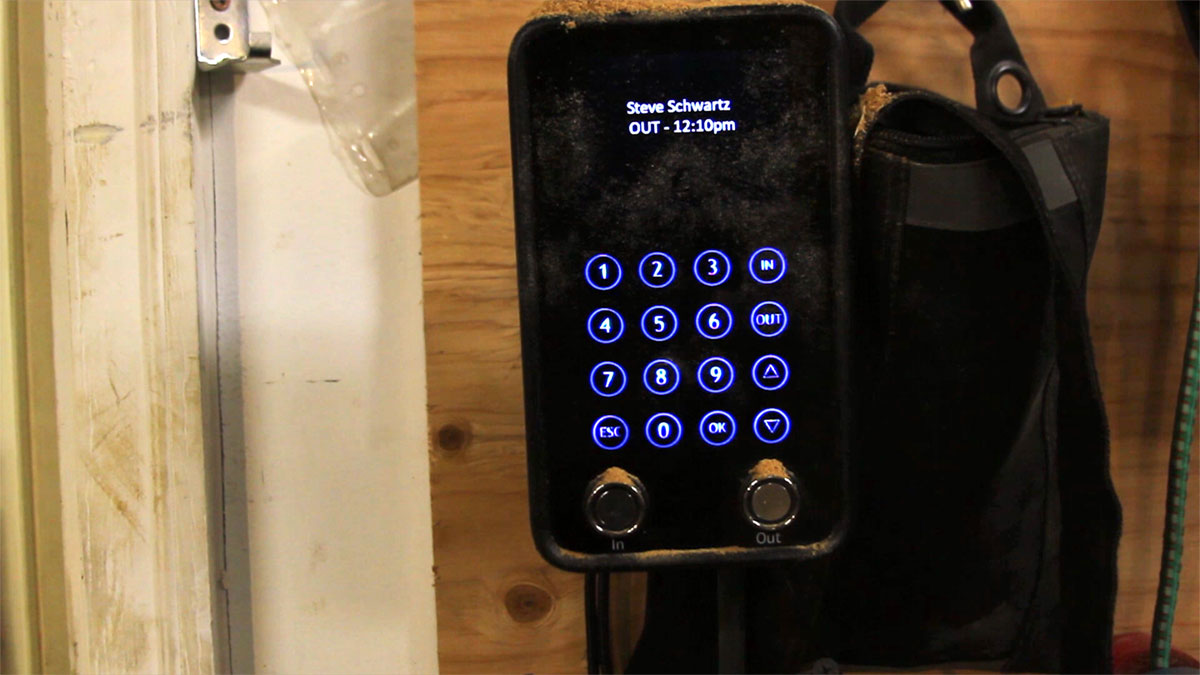
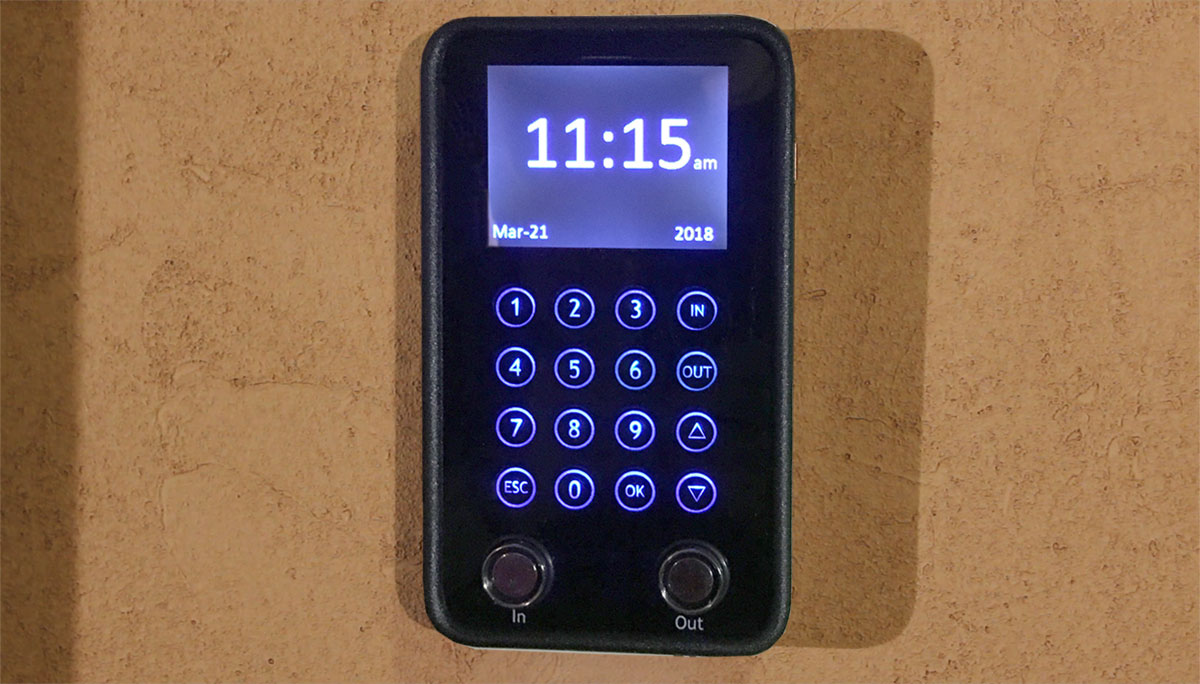
The TimePilot Vetro is a touchscreen time clock designed for offices, retail stores, workshops, and other indoor environments. With its sleek black and blue backlit interface, employees can clock in and out effortlessly using either an iButton or a four-digit PIN.
Each Vetro unit supports up to 500 employees and stores up to 12,000 transactions—enough for 200 days of use by a 15-employee company. It also integrates with other TimePilot time and attendance products for a streamlined workforce management experience.
About the size of a paperback book, the TimePilot Vetro has no moving parts and contains an internal battery to keep accurate time even if you have a power outage, making it the ultimate blend of style, convenience, and precision in time tracking.
For Cloud Edition users, Vetro offers additional flexibility with smartphone and PC clock-in options, remote data access from anywhere with an internet connection, and free, ongoing tech support.
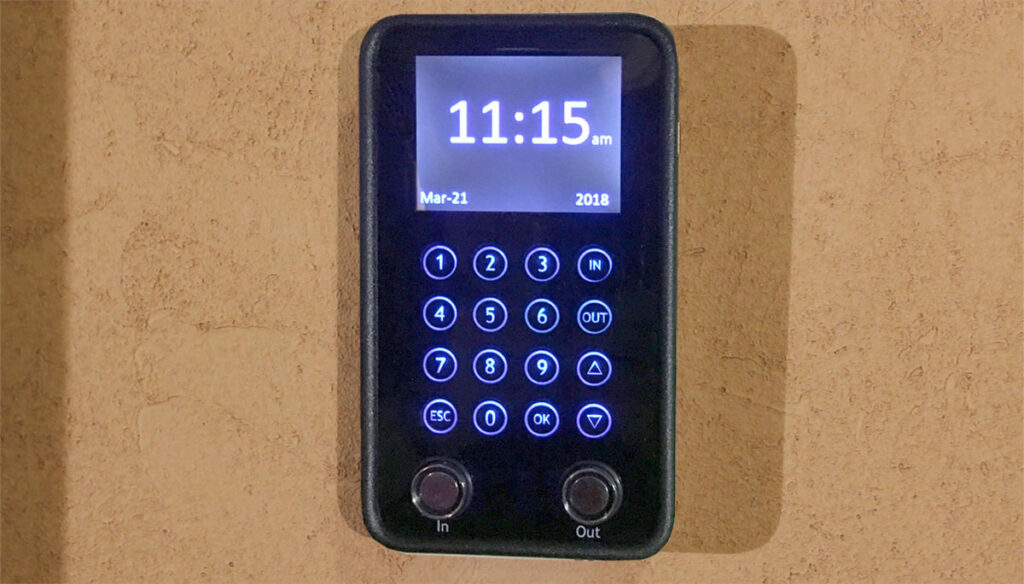
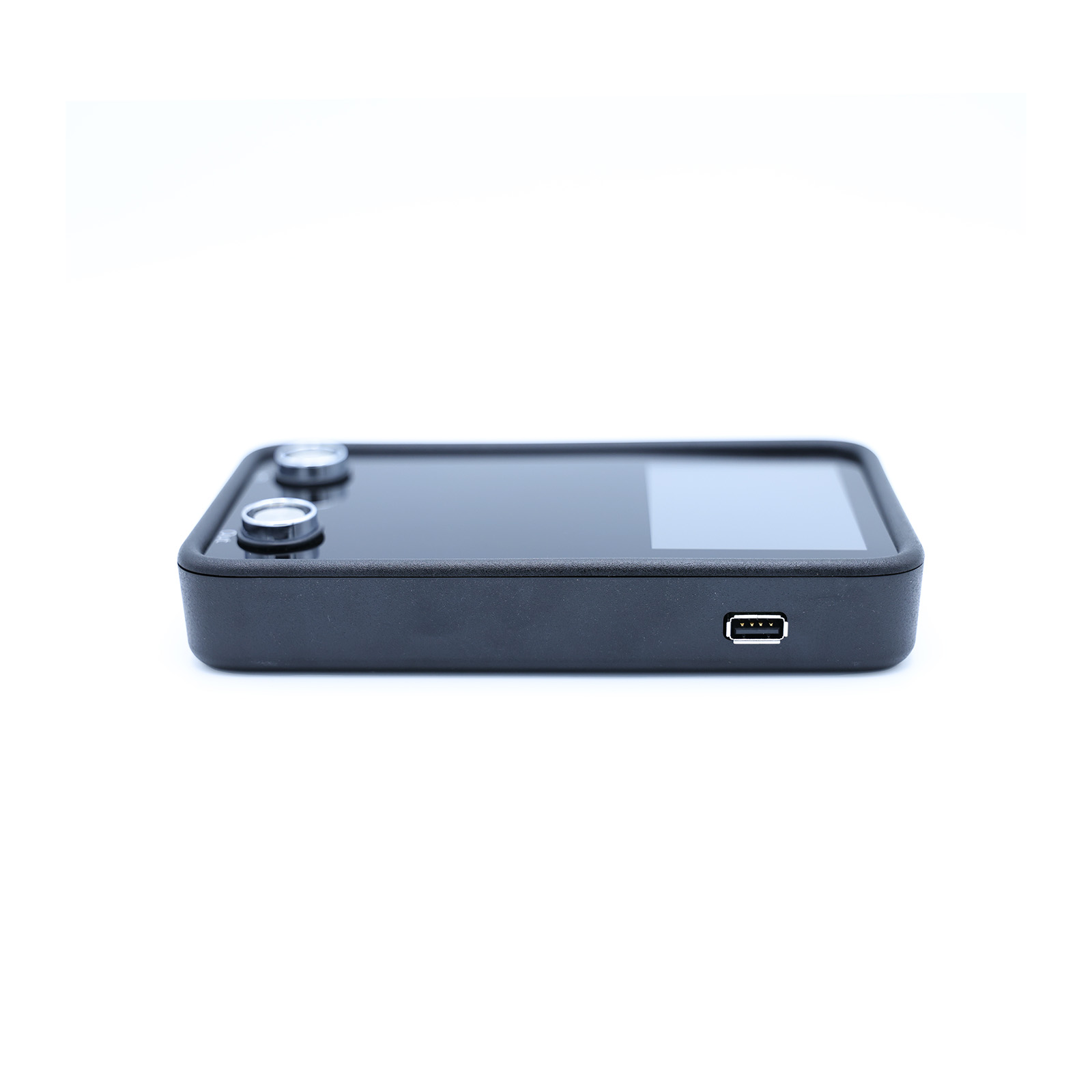
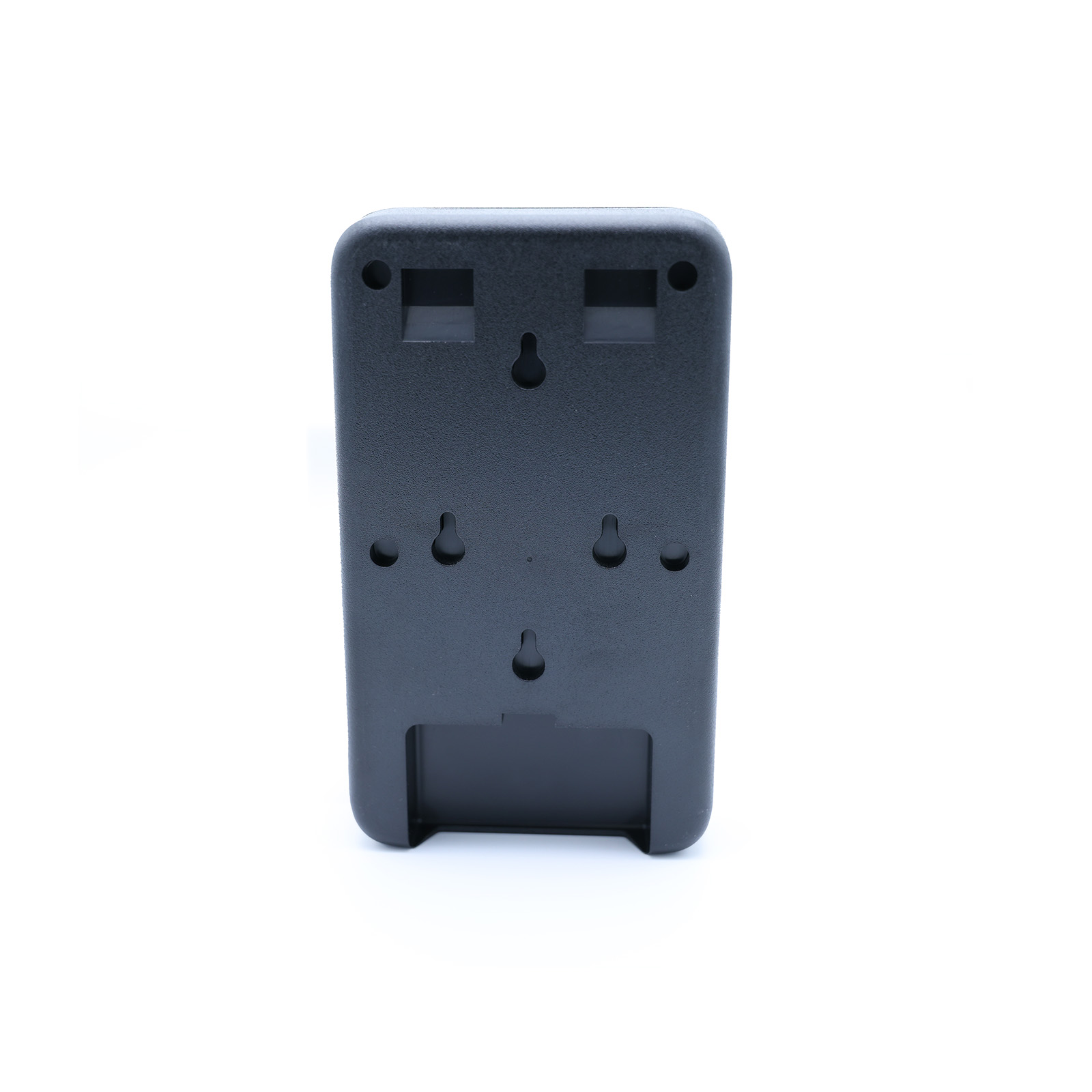
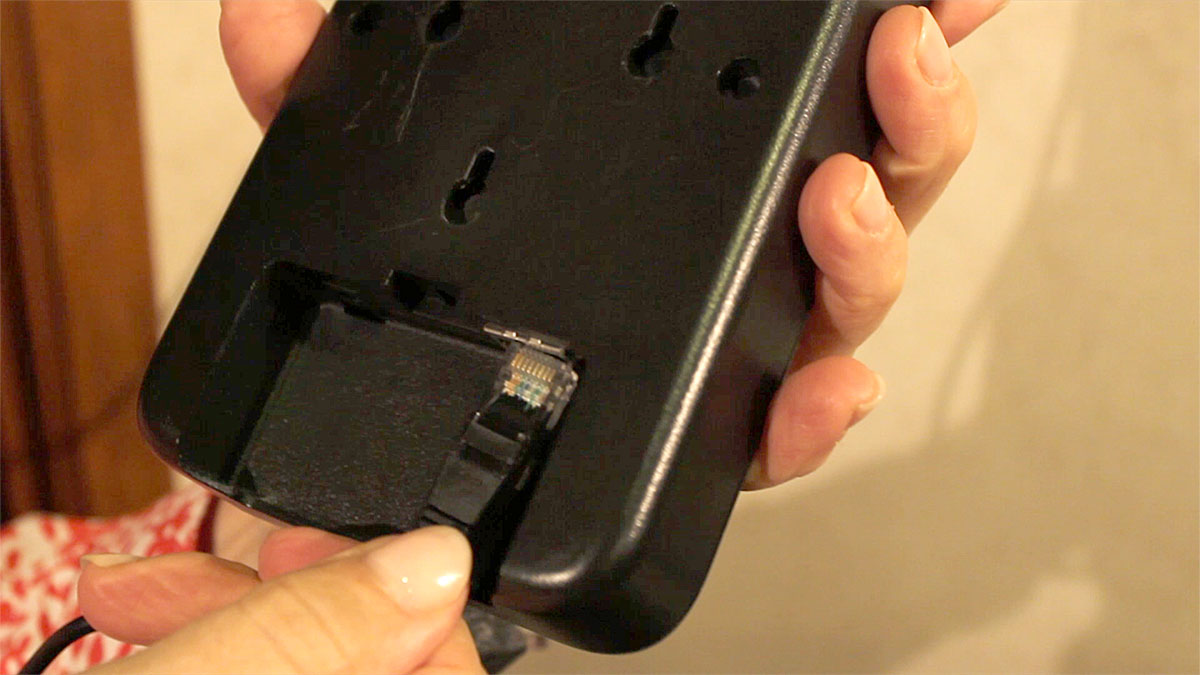
The TimePilot Vetro is mounted on a wall and powered either by a nearby electrical outlet or, if connected to a network, directly through the network cable (i.e., power over ethernet).
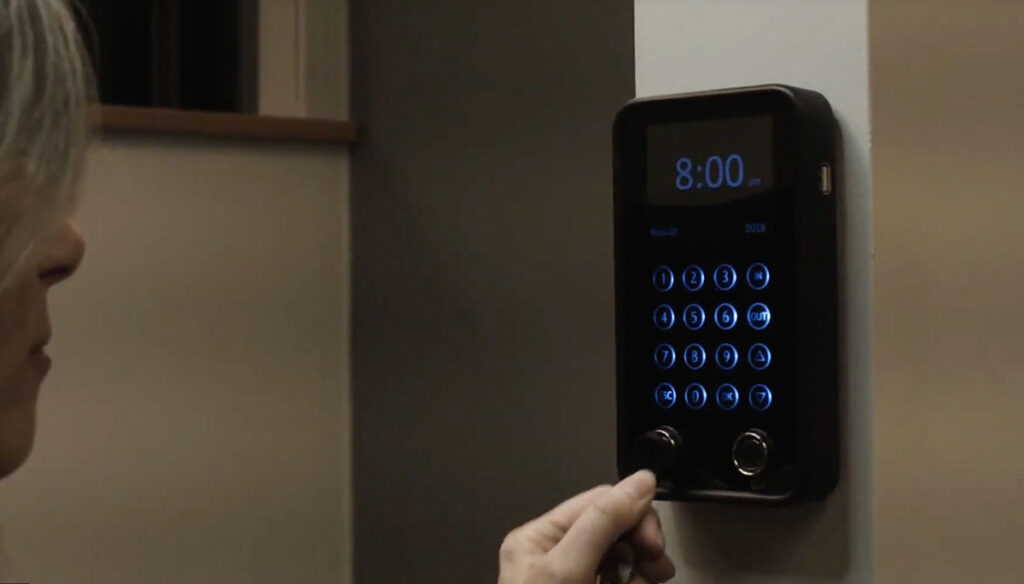
Employees clock in and out by either:
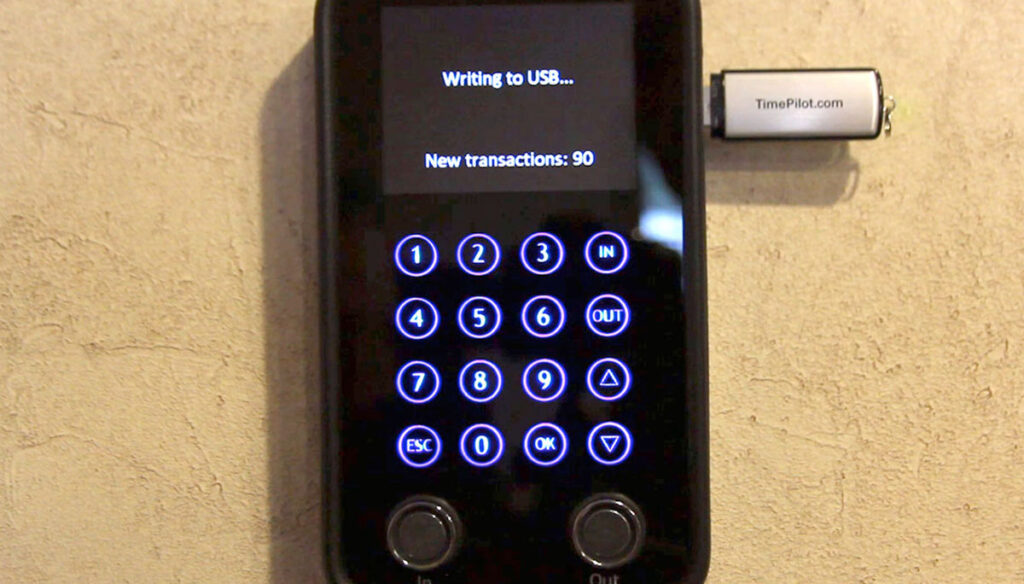
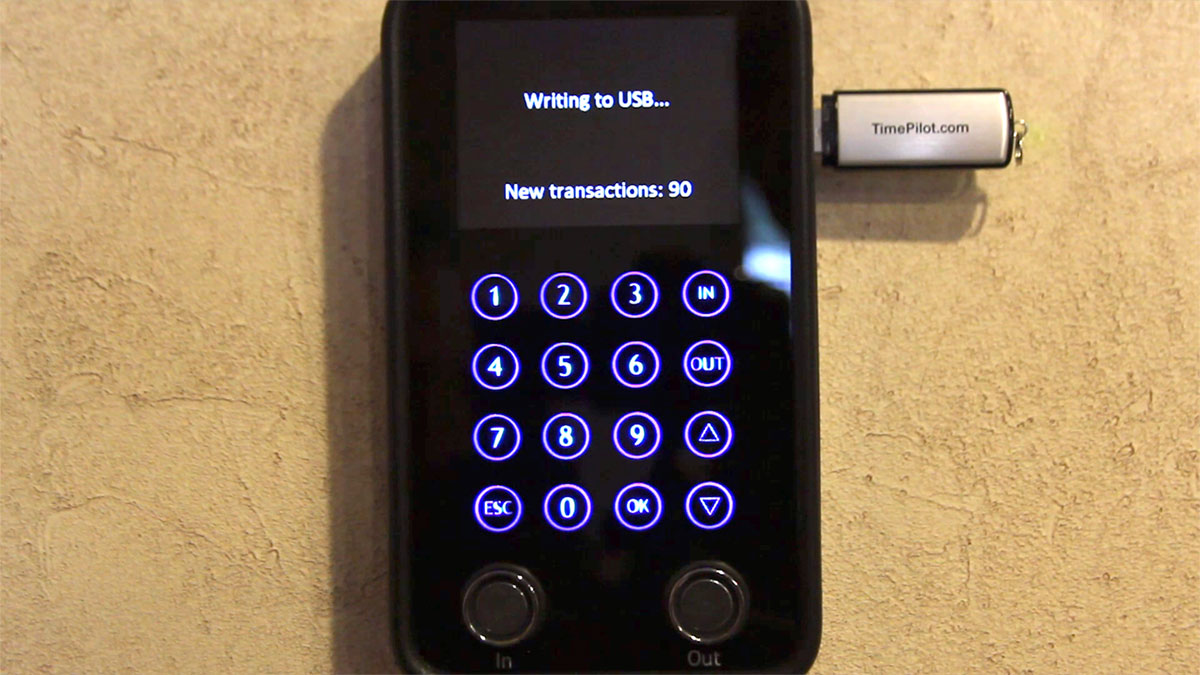
Supervisors collect data in one of two ways, depending on which mode the clock is utilizing:
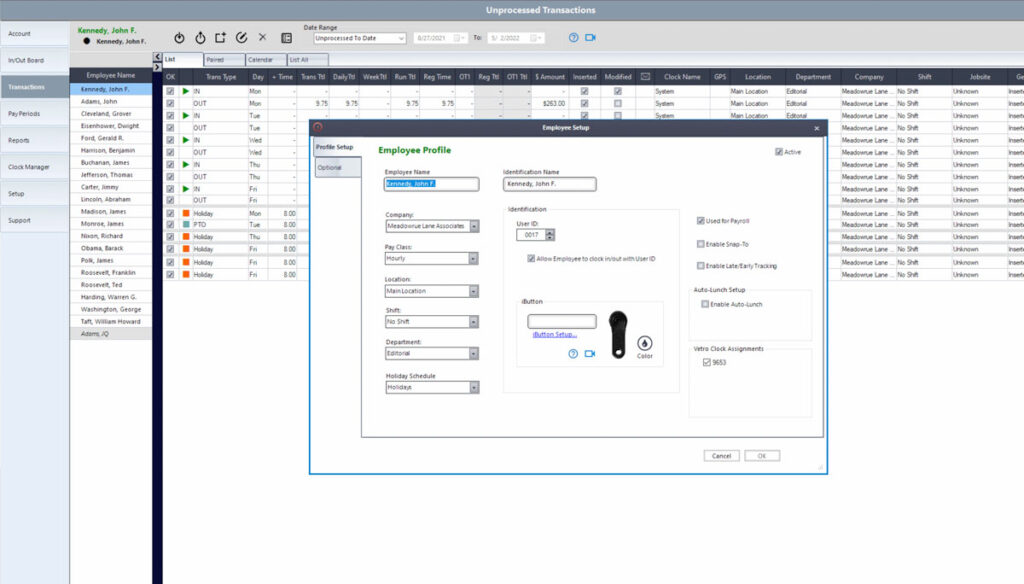
Once clock-in and clock-out records are stored in the TimePilot database, supervisors use TimePilot 5 management software to review employee hours, make corrections, generate reports, and prepare data for payroll.
| Cloud Edition | On-Premise Edition | |||
|---|---|---|---|---|
| Database location | Cloud | Customer's PC or server | ||
| Automatic database backup? | Yes | No* | ||
| How is database accessed? | PC, anywhere there’s an internet connection | PC on network only | ||
| Number of employees | Unlimited | Up to 2,000 | ||
| Range | Anywhere in the world | All users must be on the same local network | ||
| Operating system | Windows 10 or later | Windows 10 or later | ||
| Mobile clock in available? | Yes | No | ||
| Clock in with iButtons? | Yes | Yes | ||
| Includes tech support? | Yes, unlimited | First 30 days free, then $179/year | ||
| Exports to leading payroll software? | Yes | Yes | ||
| *Available at extra cost. | ||||
Select the kit(s) that fits your businesses needs.
 TimePilot Vetro