TimePilot Corporation Timeclock Systems iButton Locks Accessories Buy Now Support Center Downloads iButton Info Testimonials Contact Us About Us Search Site Home

Payroll Exports

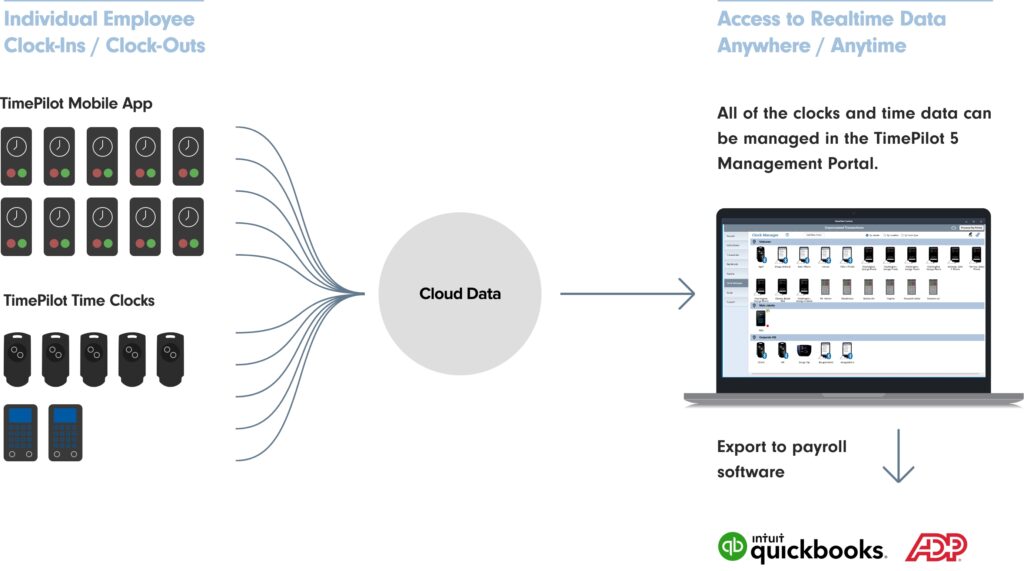
Once you've collected your employees' time and attendance data with a TimePilot system, you may want to "export" the data to a payroll company or to payroll software.

TimePilot has prepared export software for many of the leading payroll software packages and services, and we're completing more all the time. What's export software? It's a small program that takes the payroll data that TimePilot collects and translates it into a format your payroll company or payroll software can understand.

These exports are currently available:

Don't see your payroll package? We're adding new export formats all the time. Contact us to see if we have an export for your software.

Here's how to download and install an export:

  1. Make sure you have an active internet connection.
  2. Start TimePilot Central.
  3. Click the “File” menu, then “Export to Payroll…” then “Download Payroll Exports.” A browser window will open to a page on the TimePilot.com web site. Click the link of the export you want to download.
  4. Users of Internet Explorer will be asked if they want to “Run” or “Save” the file. Click “Run.” Users of Mozilla Firefox will be asked if they want to save the file. Click “Save the file.” The downloads box will pop up; double-click the file to run it.
  5. Follow the instructions to install the export.
  6. When you’re done, close the browser window and exit TimePilot Central.

You can also export your data to Microsoft Excel. For that, you won't need to download an export. Here's how to do it:

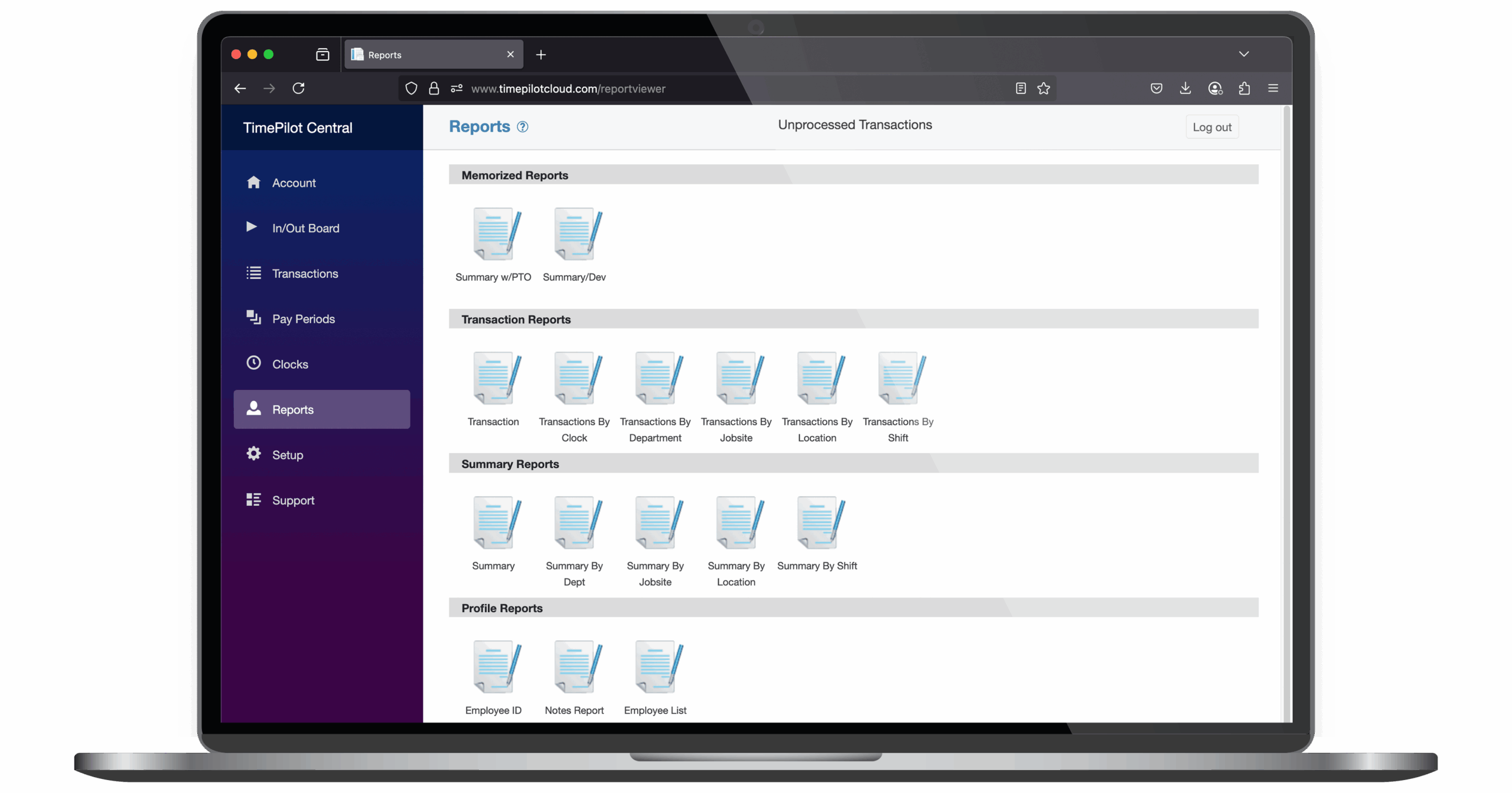
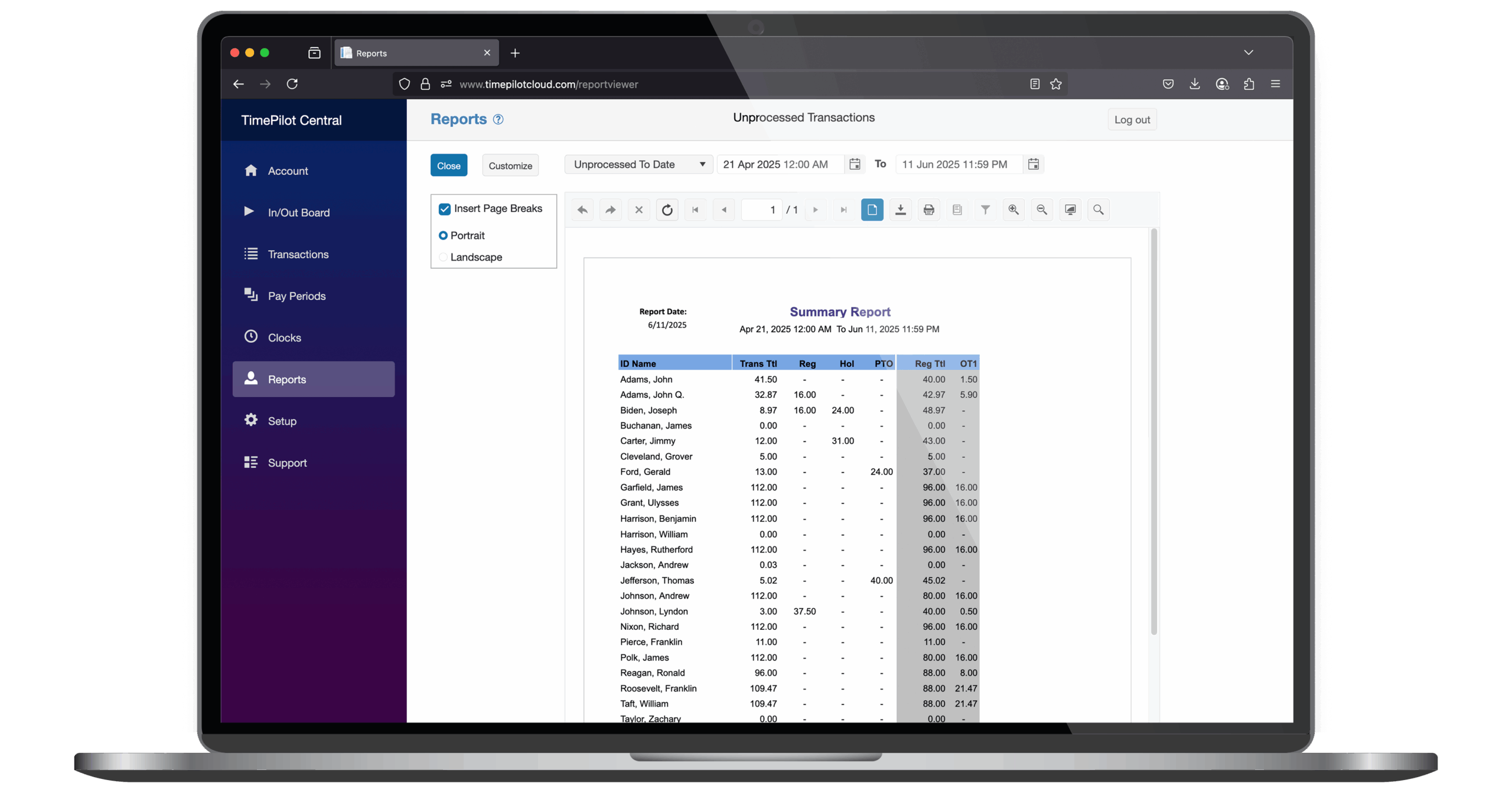
  1. Run a report in TimePilot Central. (See the User Manual for instructions)
  2. Click the "Export" button at the top left side of the screen.
  3. The standard Windows "Save a file" box will appear. Choose where to save the file and a name for it.
  4. In the "Save File as type" area, click the dropdown arrow and choose "Microsoft Excel (*.xls). Click this arrow and choose "Microsoft Excel (*.xls) from the choices that appear.
  5. Click "Save."

TimePilot Corporation, 340 McKee Street, Batavia, Illinois 60510
Phone: 630.879.6400 Fax: 630.879.8072